Job Application Email (How to Write One That Gets Read)
Write a job application email with a clear subject line, your cover letter in the body, named PDF files and a signature with a clickable LinkedIn link.
Short answer
How do you write a job application email?
A job application email has 5 parts: a subject line with the job title and your name, a greeting by name, a short cover letter as the body, your resume as a named PDF, and a signature with a clickable LinkedIn or portfolio link. Read the posting’s instructions before you start.
- Put the job title, any posting number and your name in the subject line.
- Make the body your cover letter, or a short version of it if you attach one.
- Name every file with your name.
- End with a short signature that links to your proof.
Why The Email Matters
Why does a job application email matter as much as the resume?
A job application email matters because the hiring manager reads it before opening any file. It is the first page of your application.
The subject line decides whether they can find your email again. The body decides whether they open your resume.
The signature decides how easily they can check your work.
Subject Line And Greeting
What should a job application email subject line and greeting say?
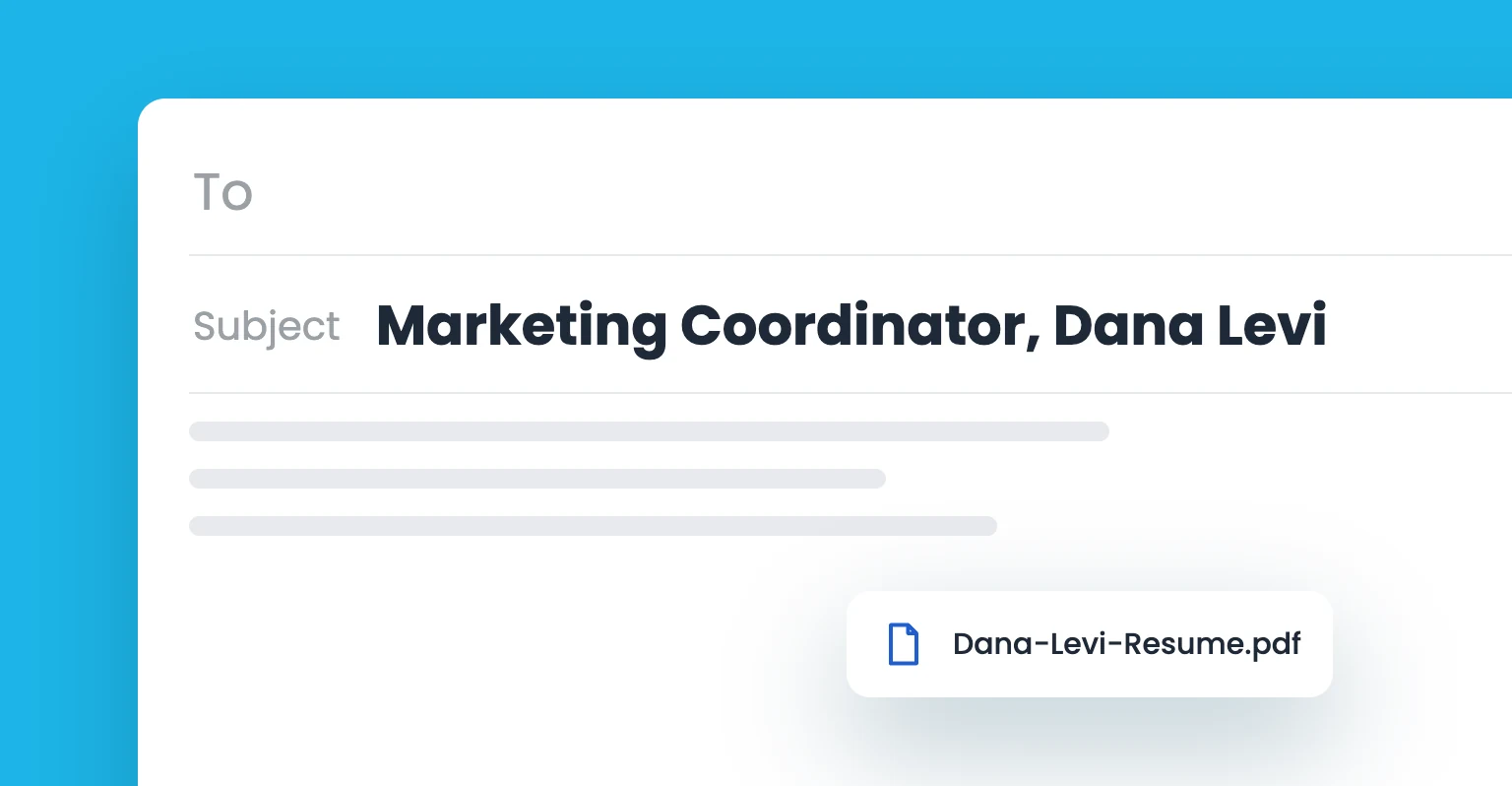
The subject line of a job application email should name the job, any posting number and you, so a recruiter can search for it later. The greeting should use the hiring manager’s name, or a plain “Hello” when you can’t find one.
Indeed puts it simply: your name and the position will work fine as a subject line. Add the posting number when the ad shows one.
These 3 patterns work:
- Job title first: Marketing Coordinator application, Jordan Lee
- Posting number first: Job posting #4521, Marketing Coordinator, Jordan Lee
- Name first: Jordan Lee, application for Marketing Coordinator
For the greeting, look for a name on the posting, the company site or LinkedIn. “Dear Ms. Patel” and “Hello Priya” both work.
A common view is that “To whom it may concern” is the safe choice. Indeed advises against it and suggests a simple “Hello” instead.
Your sender address shows next to the subject. GetSmarter suggests a version of your name, such as FirstInitial.LastName@gmail.com, instead of an old username.
More subject-line patterns for other emails are in this guide to the best email subject lines.
Cover Letter In Email
Should your cover letter go in the email body or attached?
Your cover letter goes in the email body when the posting doesn’t ask for a separate file. When it does, attach the full letter and write a shorter version of it as the body. Either way, the body does the cover letter’s job.
A common view is that a one-line “my resume is attached” note is enough. Coursera disagrees: the body is your cover letter, full or shortened.
Write the body in 3 moves:
- Open: name the role and where you found it, in 1 or 2 sentences.
- Show the fit: give 1 or 2 results from your experience that match the job description.
- Close: say what you’ve attached, when you’re available, and that you’d welcome a conversation.
Coursera’s close follows the same order: restate why you want this role at this company, list the documents, and give your availability.
Indeed adds 2 tips. If an employee referred you, say so in the opening. And don’t repeat the exact phrases from your resume.
Keep the formatting plain. GetSmarter recommends black text, a simple font such as Arial or Calibri, 11 to 12 pt, and no emojis.
Stuck on a blank page? You can generate a tailored cover letter with AI, then edit it. ResumeCoach’s tool takes the position and your resume.
It suggests up to 3 skills to feature, and its editor adjusts tone and details. Previews are free. Full download needs its Premium plan.
Treat any generated draft as a first draft. Cut it to email length, and rewrite every line that doesn’t sound like you.
Attach Your Resume
How should you attach your resume and other files?
Attach your resume, and any cover letter or portfolio the posting asks for, as PDFs named with your full name. Mention each file in the body, so the hiring manager knows what to expect and can tell when one is missing.
Attach only what the posting asks for. GetSmarter’s list covers most cases:
- Resume: always.
- Cover letter: when the posting asks for a file.
- Portfolio or work samples: when they show the work the role needs.
- Required documents: transcripts, references or certifications, if the posting names them.
Name files the way GetSmarter suggests, such as Beth_Simon_Resume.pdf. Indeed explains why your name matters: attachments might be shared apart from your original email.
A common view is that every file must stay under 10MB. The real limit belongs to the email provider.
Gmail Help sets the limit at 25 MB for personal Gmail accounts. Above it, Gmail removes the attachment and adds a Google Drive link instead.
Add A Clickable Signature
What should your job application email signature include?
Your job application email signature should include your full name, phone number, email address and one clickable link to your LinkedIn profile or portfolio. It works as your business card, so the hiring manager can reach your proof in one click.
Indeed lists the same contents: full name, contact details, a link to an online portfolio and any relevant social profiles.
Make the LinkedIn link one a recruiter recognizes. LinkedIn Help says a custom public profile URL helps recruiters identify your profile.
The custom part can be 3 to 100 characters, with no spaces or symbols.
Keep the signature to a few lines. Most email is now read on a mobile device, according to Litmus (2026).
Plain text does the job. For a LinkedIn icon and a polished layout, Wisestamp’s free email signature generator builds one without hand-written HTML.
Its social icons include LinkedIn, so your profile link sits under your name as a small, clickable icon.
Job Application Email Example
What does a complete job application email look like?
A complete job application email puts the parts in order: subject, greeting, a 3-move body, an attachments line and a short signature.
Subject: Marketing Coordinator application, Jordan Lee Hello Priya, I’m applying for the Marketing Coordinator role I saw on your careers page. At Northside Dental, I ran the monthly newsletter and grew its list from 1,200 to 3,000 subscribers in a year. Your posting asks for email and social experience, and that’s the work I enjoy most. I’ve attached my resume and cover letter as PDFs. I’m available for a call any weekday after 2 pm, and I’d welcome the chance to talk. Best regards, Jordan Lee 555-0142 | jordan.lee@email.com linkedin.com/in/jordanlee-marketing
What each part of the example does:
- Subject: the role and the name, ready to search.
- Opening: the role and where Jordan found it, in one sentence.
- Fit: one result with numbers, tied to what the posting asks for.
- Close: the attachments, the availability and the next step.
- Signature: phone, email and a custom LinkedIn URL.
Swap in your own role, results and links. For other ways to close, see these email sign-offs.
Check Before Sending
What should you check before you send a job application email?
Before you send a job application email, check it against the posting’s instructions and proofread every name. Then send one test email to yourself.
- Instructions: if the posting asks for PDFs, or for applications through a job site, follow that. Indeed puts the posting first.
- Names: check the role, the company and the hiring manager’s name letter by letter.
- Attachments: check that every file the body mentions is attached and carries your name.
- Test email: send the email to yourself, open the attachments and click your signature link.
A Reddit commenter on r/NoStupidQuestions called a typo a “bad first impression if you can’t even spell the job you want to do.”
If you hear nothing, one short follow-up is fine. GetSmarter suggests waiting 7 to 10 days, then asking about the hiring timeline.
Next Steps
How do you get your job application email ready to send today?
Get your job application email ready today in 4 steps: subject line, body, signature layout and a final test.
- Write the subject line with the job title, any posting number and your name.
- Write the body in 3 moves: the role, the fit, the close.
- Pick one of these signature layouts for job seekers.
- Add your custom LinkedIn URL to the signature, then send a test email to yourself.