Meet us at the UNBOUND26, Sep 16-18, Boston, MA>> Book a chat

Turn Company Email Signatures Into a Marketing Channel

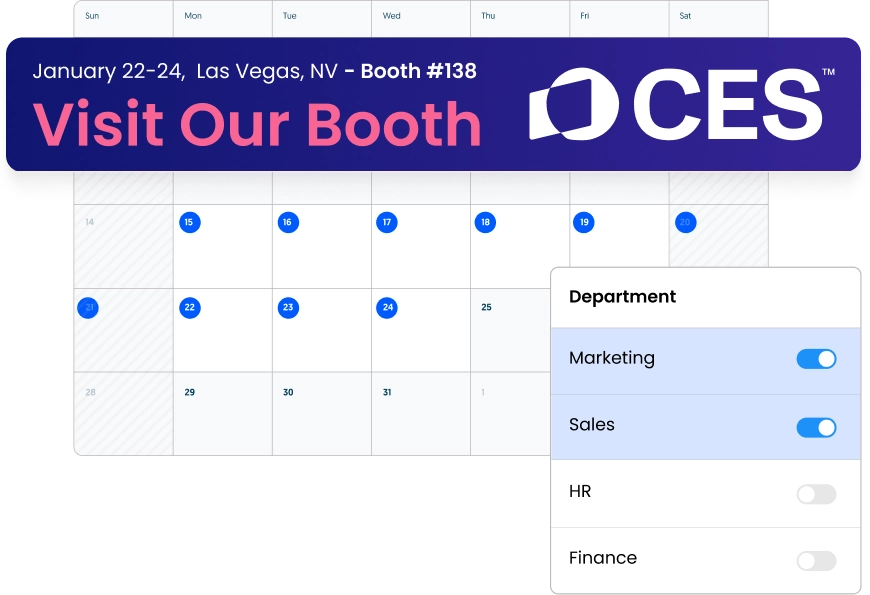
Centrally run email signature marketing banner campaigns from a single dashboard across all employees emails without relying on IT

No credit card needed • Get started in minutes
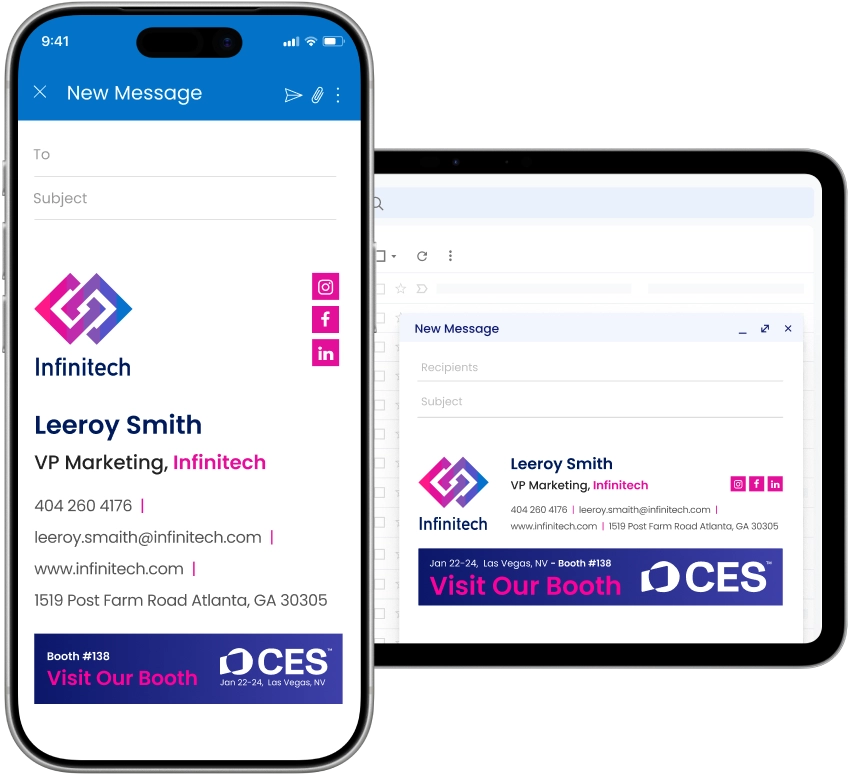
responsive email signatures in different email platforms
Campaign calandar

Launch campaigns without waiting on IT

blue tick

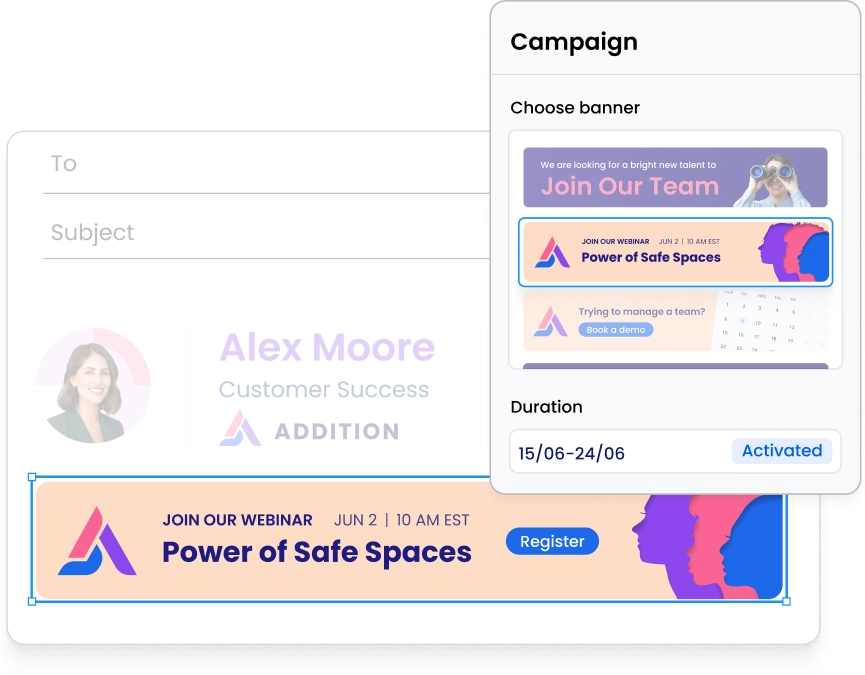
Set banner start and end dates, WiseStamp do the rest

blue tick

Publish to your whole team or a specific group instantly

blue tick

IT sets up once, marketing runs every campaign independently

blue tick

Campaign banners rotate automatically

Campaign calandar

Set campaign banners without waiting on design

blue tick

Add in your campaign banners, or choose from one of WiseStamp’s options directly in the Studio.

blue tick

Swap it across every employee’s signature once; no need to ensure implementation with each employee.

blue tick

Preview the signature and campaign before deploying, so what you see is what the recipient sees.ed

pick campaign banner
different banners for different departments

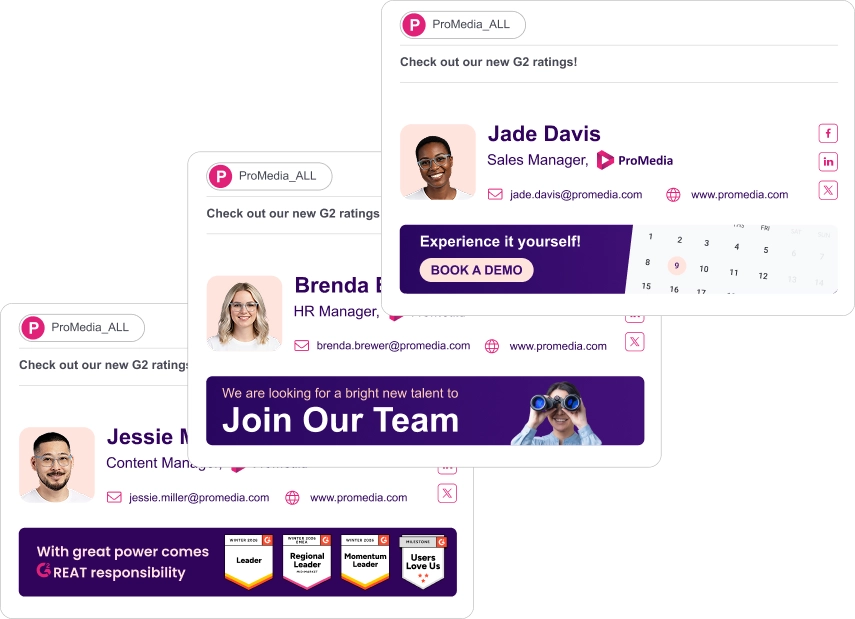
Use different banners for each department

blue tick

Assign a different campaign to each department or role

blue tick

Sales runs demo CTAs while marketing promotes a launch

blue tick

Show different banners internally and externally

blue tick

Multiple campaigns run across groups, no conflicts

different banners for different departments

6% of our leads to the website actually come from WiseStamp. So I think that comes out to be like a hundred leads or so per month.

Jane Mao
Organization Marketing Consultant, Avenues Real Estate

Make every signature an interactive touchpoint

blue tick

QR codes linking to events, demos, or landing pages

blue tick

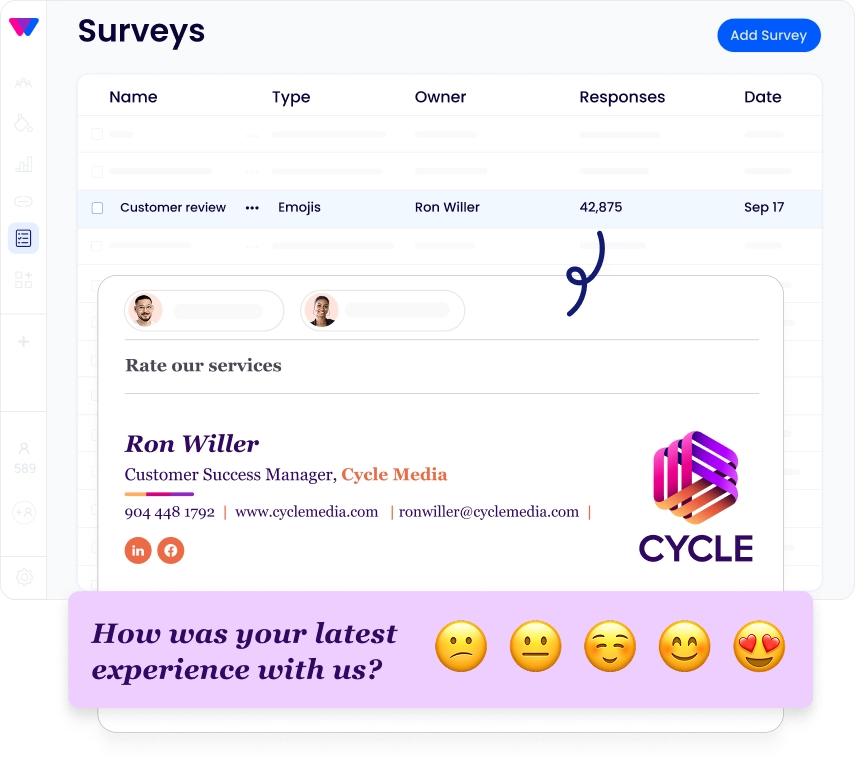
Survey and NPS links for lead capture or customer feedback

blue tick

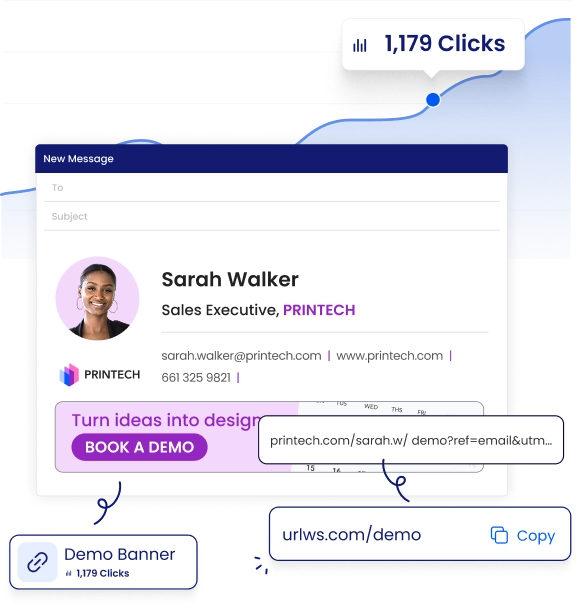
Branded short links with built-in click attribution

blue tick

Preview how signatures render before you publish

blue tick

Live G2 or Trustpilot review widgets, always current

WiseStamp survey hero
WiseStamp links hero

Show email signature marketing ROI

blue tick

The dashboard shows impressions and clicks per campaign

blue tick

Department-level reporting and one-click CSV export

blue tick

Automatic UTM parameters on every link

blue tick

Signature clicks appear in GA4

WiseStamp links hero

Stop worrying about signature maintenance

blue tick

Google Workspace and Gmail, fully integrated

blue tick

Microsoft 365, Outlook, and Exchange supported

blue tick

New employees get their signature automatically

blue tick

Works across desktop, mobile, and major email clients

responsive concept with all email platforms

Get your first campaign live in minutes

link blue icon

Connect your email platform

Link Google Workspace or Microsoft 365 in minutes.

activate icon blue

Build and assign signatures

Use Studio Editor to create templates with banners and CTAs.

target blue icon

Set your target audience

Assign signatures by department, role, or individual user.

calendar blue icon

Launch your campaign

Schedule a banner, set the dates, and publish to your group.

growth blue icon

Track your results

View impressions, clicks, and attribution data in your dashboard.

Activate the marketing channel you already have

Join 80,000+ companies using WiseStamp to run signature campaigns, prove marketing ROI, and turn every email into a measurable asset.

No credit card needed • Get started in minutes
email signature marketing opportunities

FAQ

WiseStamp is purpose-built email signature marketing software. WiseStamp lets marketing teams run banner campaigns, track impressions, measure clicks, and prove ROI from every employee email. Marketing can run WiseStamp independently, without IT involvement, from campaign creation to removal.

Running a WiseStamp campaign takes four steps:

  1. Upload your banner image
  2. Set a start and end date
  3. Choose the department or employee group that sees it
  4. Publish

WiseStamp handles deployment and removal automatically on the scheduled dates.

Yes. IT connects the directory once (Google Workspace or Microsoft 365). Marketing then publishes banners, schedules campaigns, and assigns groups independently. No IT tickets or approvals are needed after the initial setup.

WiseStamp supports these campaign types:

  • Event and webinar promotion
  • Product launches and seasonal offers
  • Demo booking and lead-gen CTAs
  • Hiring and employer-brand campaigns

Different campaigns run simultaneously across different teams. Sales can show a “book a demo” banner while marketing promotes a product launch.

WiseStamp integrates with:

  • Microsoft 365, Outlook, and Exchange
  • Google Workspace and Gmail
  • Active Directory and Azure AD

Directory sync automates user deployment. New employees receive the correct signature without manual setup or admin intervention

WiseStamp connects to Google Workspace or Microsoft 365 via API in minutes, with no MX record changes required. Signatures deploy company-wide through directory sync. Most organizations have WiseStamp email signatures live across all employees within the same business day of connecting their directory.

WiseStamp’s analytics dashboard tracks signature impressions by day, week, or month. Every WiseStamp link carries UTM parameters flowing to Google Analytics 4 under source “emailsignature.” Per-employee attribution and CSV export are available. Rocketseed’s 2025 research found 42% of organizations don’t track email signature performance at all.

Email signature banner ads produce measurable results when targeted correctly. Rocketseed’s 2025 Email Signatures at Work research found 43% of professionals report signature banner click-through rates exceeding 5%. WiseStamp customers have used signature banners to book event demos, generate leads, and drive webinar registrations.

Yes. WiseStamp supports concurrent campaigns across different employee groups. Sales can display a demo-booking banner, marketing can promote an event, and support can embed a feedback survey, all running at the same time. Group assignments are independent, so campaigns don’t conflict.

WiseStamp’s built-in A/B testing assigns different banner variations to selected employee groups within the same campaign period. Click and impression data are tracked per variation through WiseStamp’s analytics dashboard. Marketers compare performance across variations to identify which banner drives higher engagement before scaling company-wide.

Yes. WiseStamp accepts custom banner images uploaded directly through the campaign interface. WiseStamp’s brand asset library stores reusable logos, banners, and icons. Animated GIFs are supported in banner slots, and WiseStamp includes dark mode rendering to ensure banners display correctly across email clients.

WiseStamp serves teams from small businesses to enterprise organizations with thousands of employees. Small teams access the same campaign, analytics, and targeting features as large organizations. WiseStamp’s per-user deployment model scales linearly, so setup time and administrative overhead don’t increase significantly with team size.

WiseStamp holds the following certifications:

  • SOC 2
  • ISO 27001
  • HIPAA
  • GDPR compliance

WiseStamp’s architecture does not read, store, or access email message content. Analytics are scoped to impression and click tracking only. SSO, MFA, and exportable audit logs are included for enterprise accounts.

Employees cannot independently opt out of WiseStamp signature campaign banners. Administrators assign campaigns centrally by department or group. Employees can edit only the fields an administrator has permitted, so campaign banners remain controlled by marketing rather than individual employee preference.

WiseStamp supports CRM integration for dynamic signature fields using Salesforce and HubSpot data. UTM parameters and branded short links generated in WiseStamp track to Google Analytics 4 and export to any CRM-connected workflow via CSV. Full API access is available for custom integrations.

A WiseStamp Link is a branded, short, trackable URL embedded in an email signature. WiseStamp Links can point to event landing pages, demo booking links, or QR codes. Every click is tracked in WiseStamp’s analytics dashboard and attributed to the sending employee.

Yes. A 100-person company generates over 60,000 monthly impressions from email signatures alone. Industry research found 43% of professionals report email signature banner click-through rates exceeding 5%. WiseStamp customers have used signature banners to book event demos, generate leads, and drive webinar registrations.