Best fonts for Email Signatures: 7 Email-Safe Options
Get Email signature fonts that work in Gmail, Outlook, and Apple Mail. Learn the font rules that prevent brand drift across your entire team's signatures
Short answer
What are the best fonts for email signatures?
The best email signature fonts are Arial, Verdana, Georgia, Times New Roman, Trebuchet MS, Helvetica (Mac), and Garamond. All are web-safe serif or sans-serif fonts that render correctly in Gmail, Outlook, and Apple Mail without falling back to a system default.
Font Chaos Brand Risk
What happens when employees choose their own email signature fonts?
When every employee is free to use their preferred font, what you get is brand drift. An inconsistent typeface sends a subtle but real signal: this organization doesn’t have a standard, and nobody’s in charge.
Font anarchy is more common than most brand managers realize. One of our enterprise clients described the pattern this way:
“We have some people that have, like, cosmic sands, we have some people that have, like, the Pharaohs font, and I’m like, oh my god”.
For marketing and brand teams, uncontrolled font choices mean hundreds of emails going out daily that don’t reflect the brand you’ve worked to build.
Email-Safe Fonts
What are email-safe fonts?
Web-safe fonts are pre-installed on most computers, operating systems, and mobile devices. Use one, and your signature renders as designed. Use anything else, and you’re gambling on a fallback.
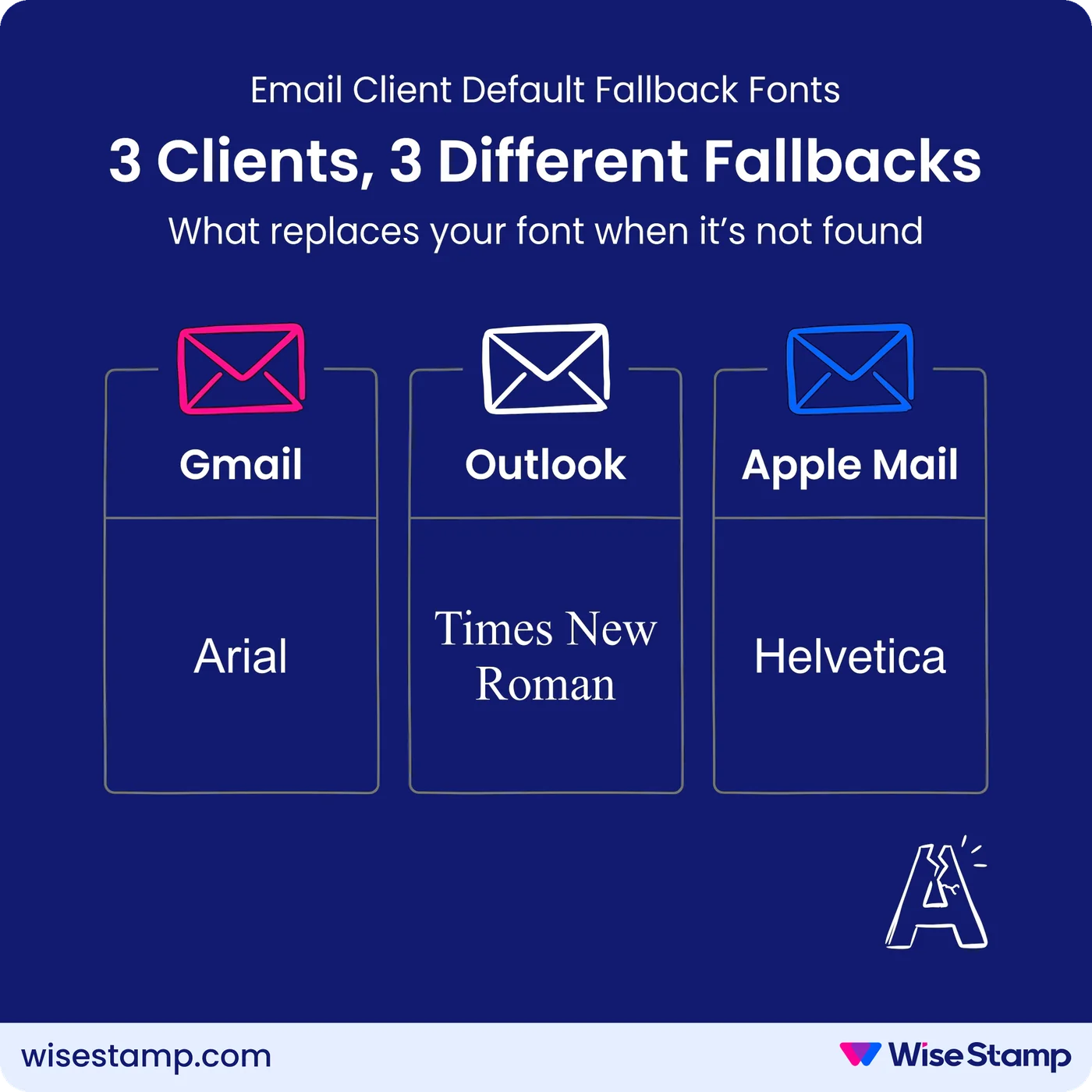
When a font isn’t available on the recipient’s device, the email client substitutes its own default — with no input from you. The 3 major platforms fall back to these:
| Email Platform | Default Fallback Font |
|---|---|
| Gmail | Arial |
| Outlook | Times New Roman |
| Apple Mail | Helvetica |
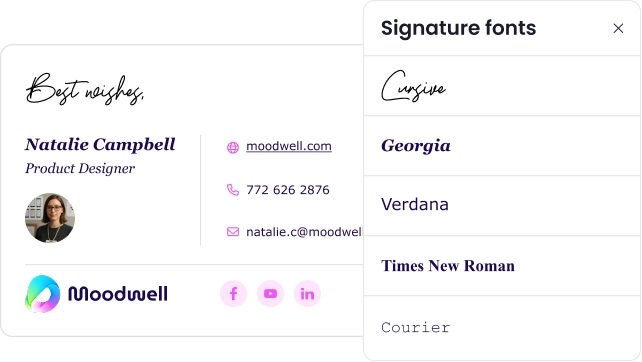
The 2nd rule is legibility. Avoid script, cursive, and decorative fonts. Signature text runs small. If it requires effort to read, most people won’t.
Stick to serif or sans-serif fonts. Both families are easy to read and render cleanly across every major email client, from Chrome and Safari to Outlook desktop and iOS Mail.
Font Psychology
How do email signature fonts affect professional perception?
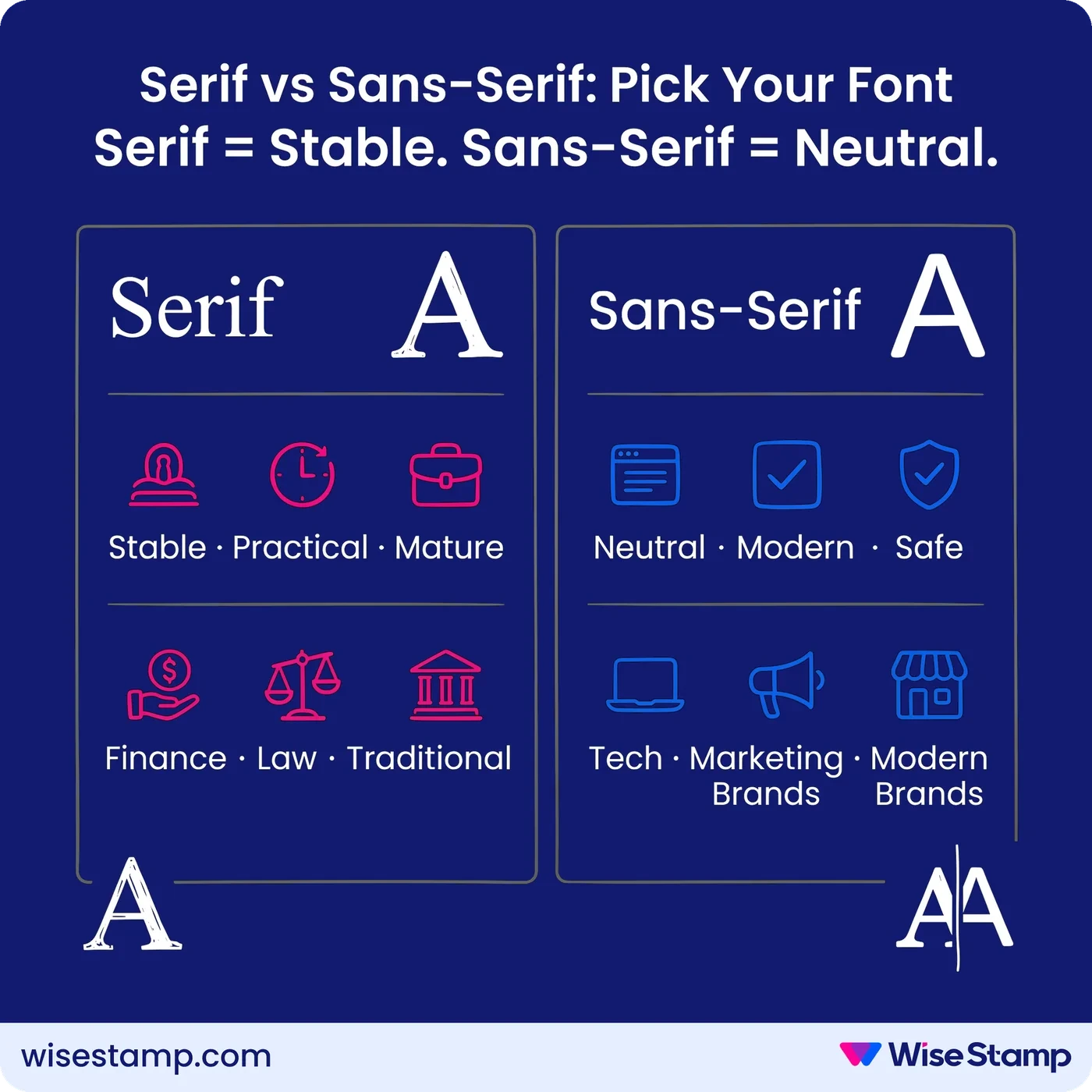
Serif fonts (Georgia, Times New Roman, Garamond) are perceived as stable, practical, and mature, according to typography research by Wichita State University.
Sans-serif fonts (Arial, Verdana, Trebuchet MS, Helvetica) register as neutral — no strong positive or negative associations, which makes them safe across any professional context.
Match the choice to your brand:
- Serif: finance, law, traditional industries, established brands
- Sans-serif: technology, marketing, modern brands, general professional use
Top Email Signature Fonts
Which specific fonts render correctly in Gmail, Outlook, and Apple Mail?
Font compatibility data from CSS Font Stack, limited to fonts in the Microsoft and Google libraries.
1) Arial
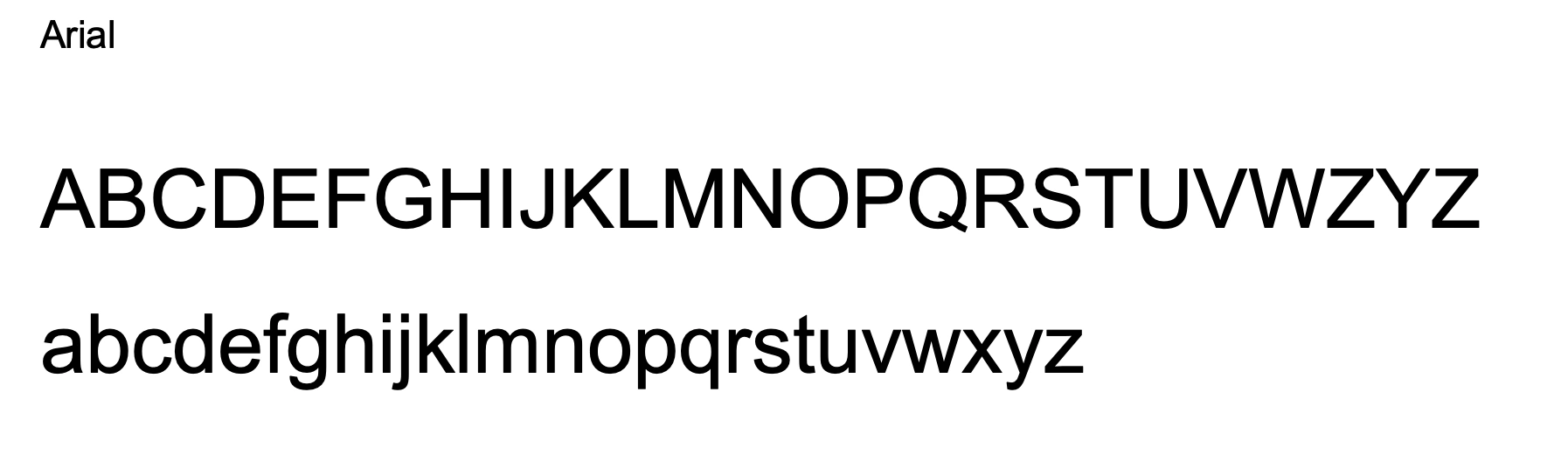
Arial is the universal default — 100% compatibility on PC and Mac, and Gmail’s own fallback font. Works in every email client without exception.
2) Verdana
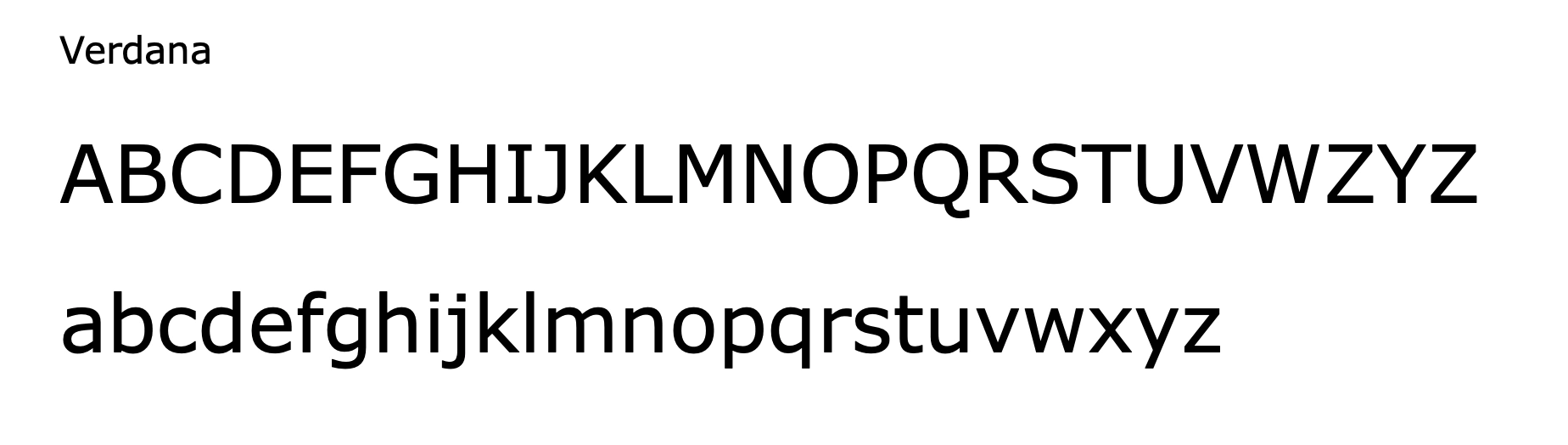
Verdana is the strongest choice for readability at small sizes. Wide letterforms reduce visual crowding in compact signature layouts. 100% compatibility on PC and Mac.
3) Georgia
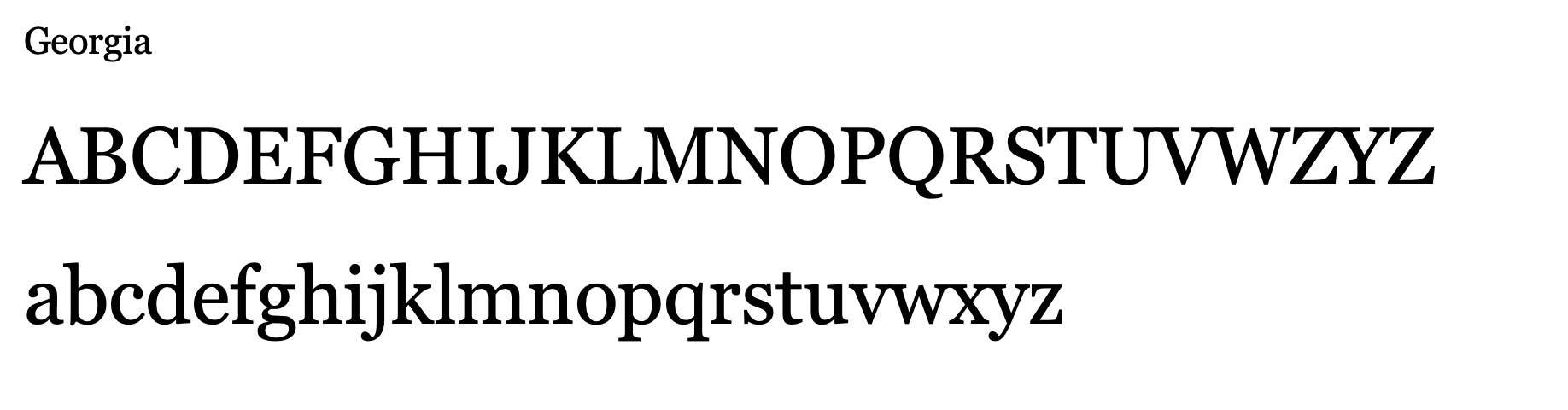
Georgia is the recommended serif choice. It projects warmth and credibility without feeling stiff. 99% PC, 97% Mac compatibility.
4) Times New Roman
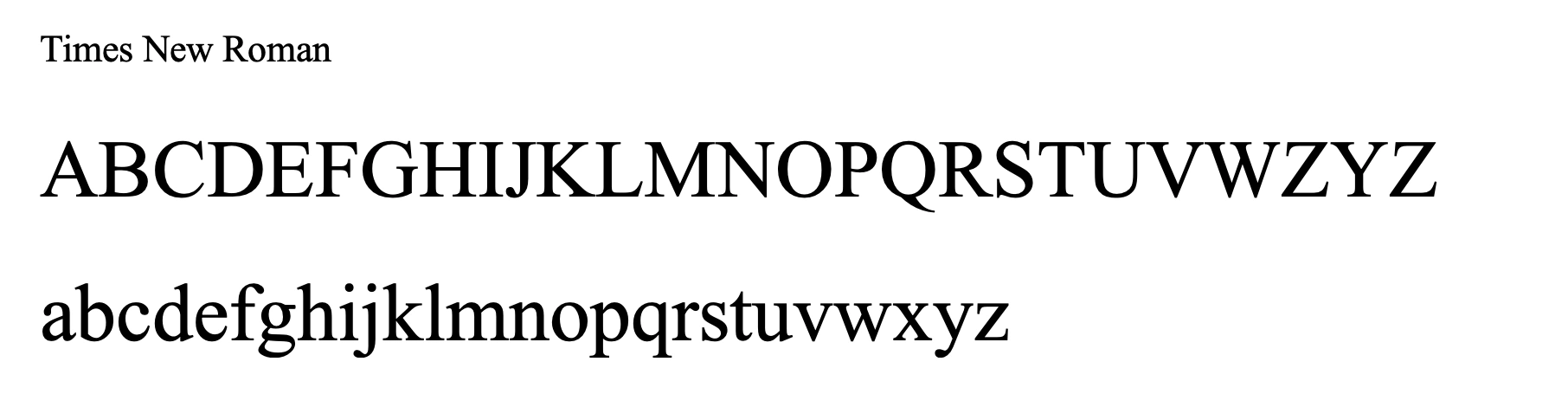
Times New Roman is Outlook’s default fallback — the most recognized formal serif in professional email. 99% PC, 97% Mac compatibility.
5) Trebuchet MS
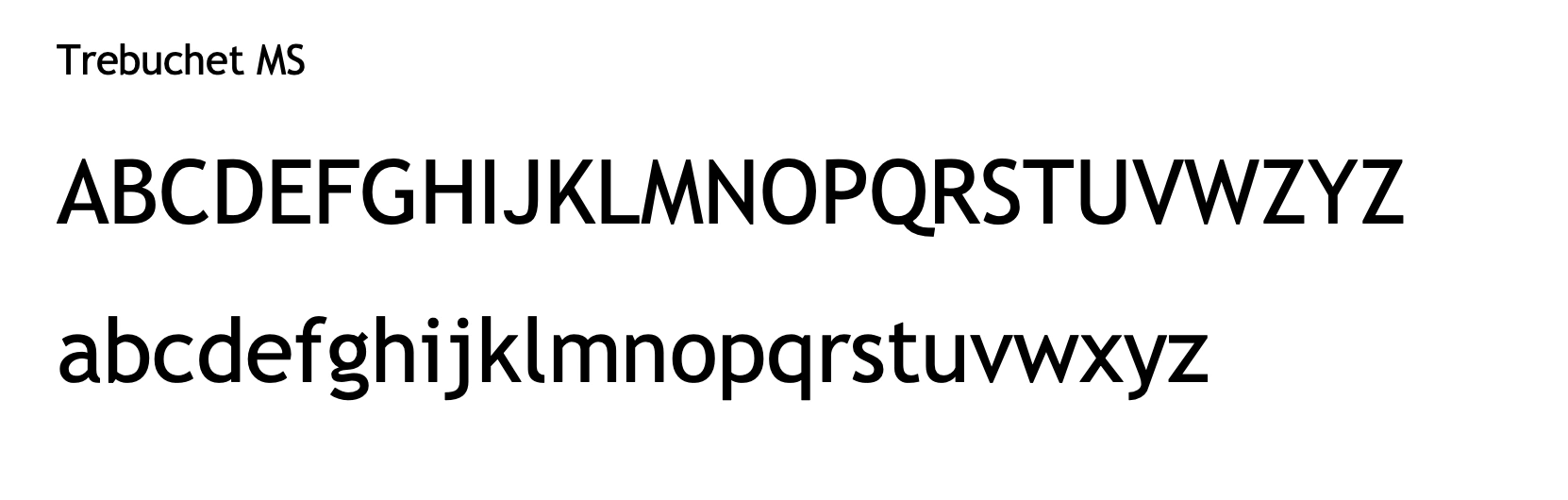
Trebuchet MS has a modern, approachable feel — slightly more personality than Arial, still clean and safe. 99% PC, 95% Mac compatibility.
6) Helvetica — Mac-only
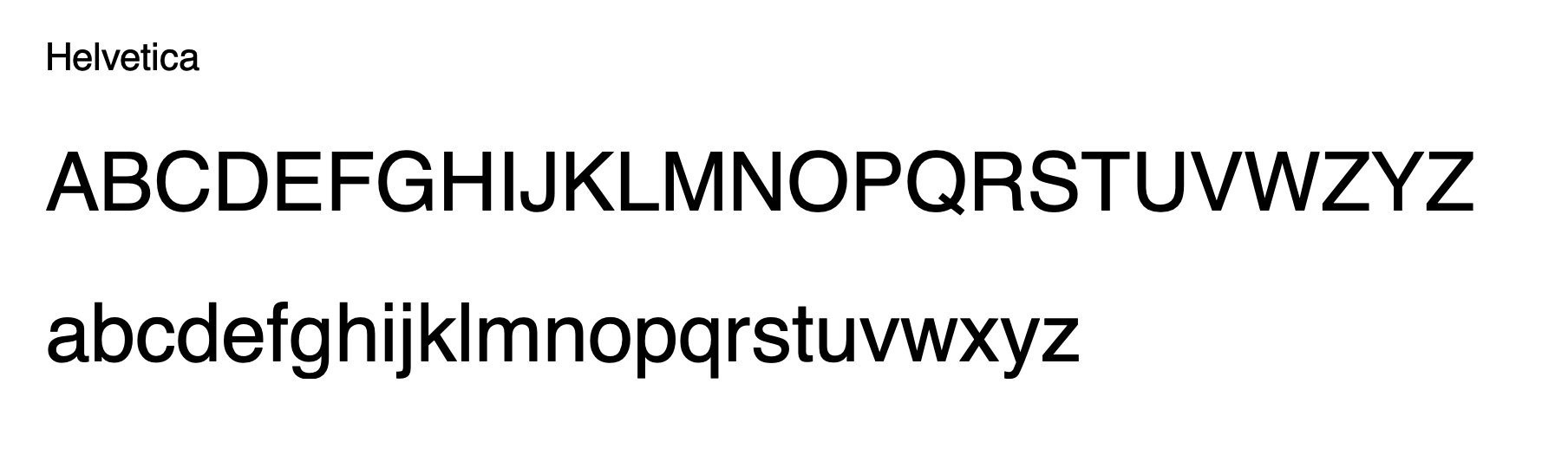
Helvetica is Apple Mail’s default fallback and renders natively on Mac. PC compatibility drops to 7%. Avoid on teams with mixed Mac and Windows devices.
7) Garamond — Mac-preferred
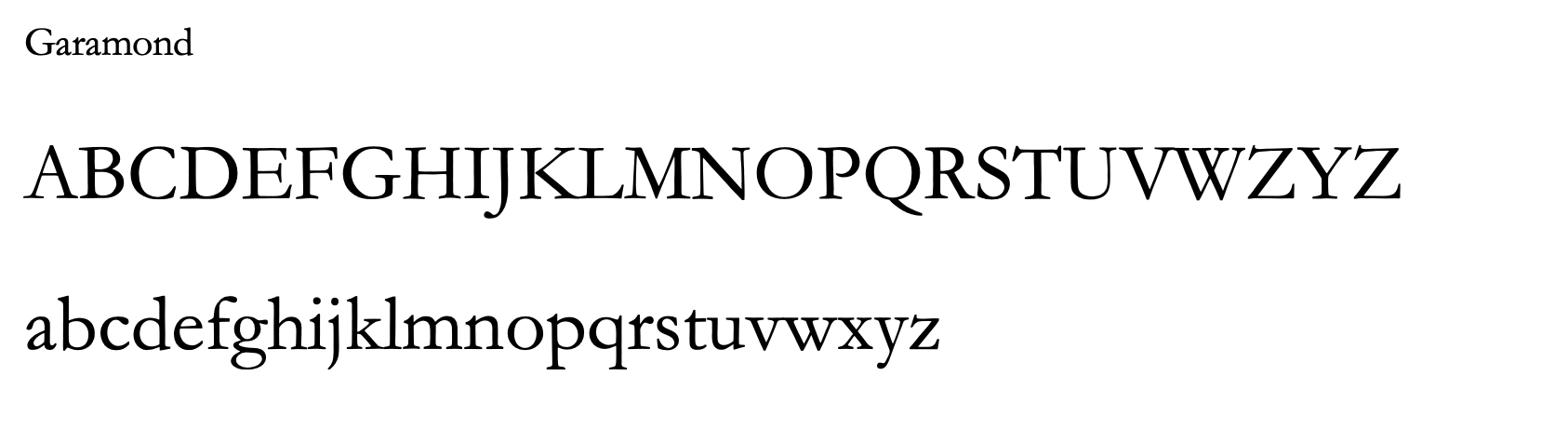
Garamond is a refined serif that reads as classic and authoritative. Strong on Mac (100%), variable on PC. Best suited for Mac-primary organizations.
WiseStamp’s design team recommends Verdana for sans-serif and Georgia or Times New Roman for serif – the 3 with near-universal compatibility and consistent professional tone across every email platform.
If you’re managing signatures across a team, WiseStamp’s Studio Editor lets you set and lock the approved font in every employee’s template. Brand managers enforce the standard without asking anyone to copy-paste anything.
Takeaway
Email signature fonts: the 3 rules that protect your brand
Email signature font selection comes down to 3 requirements:
- Web-safe (pre-installed on recipient devices)
- Legible (readable at signature text size)
- Brand-appropriate (matches your industry and visual identity).
Arial, Verdana, and Georgia cover the vast majority of use cases.
For teams managing signatures across dozens or hundreds of employees, locking font choice in a centralized template prevents drift without IT tickets or all-hands reminders.