IPHONE SIGNATURE
Free iPhone Signature Generator by WiseStamp
Add a logo, photo, clickable links, and social icons to your iPhone signature. Install it in Apple Mail in 5 minutes total.
No code or design skills needed

iPhone signature templates











What you get
See what your iPhone signature includes

A logo, photo, and title on every send

Clickable phone, email, and website links

Social icons linked to your real profiles

One signature that works on iPhone and iPad

A polished look with zero design work
HOW IT WORKS
Generate and set up your iPhone signature
Here’s the full walkthrough for how to create and add a signature on your iPhone.


the toolkit
Signature tools built for Outlook
No code editor
Easy photo and logo upload with auto-sizing
Social icons linked to every platform you use
Custom CTA buttons for calls or bookings
Banner space for a promo or announcement
Signature preview before you commit
One-click sync to Gmail and Outlook too
HTML SIGNATURES
Keep signature formatting on Apple Mail
Build your signature once. Paste it into Settings, Mail, Signature, and your logo, links, and layout survive the copy.
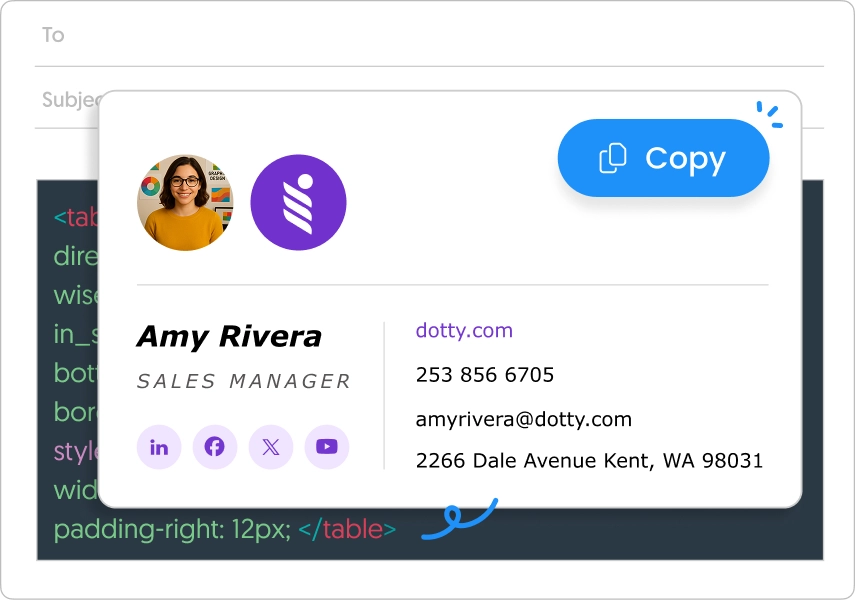
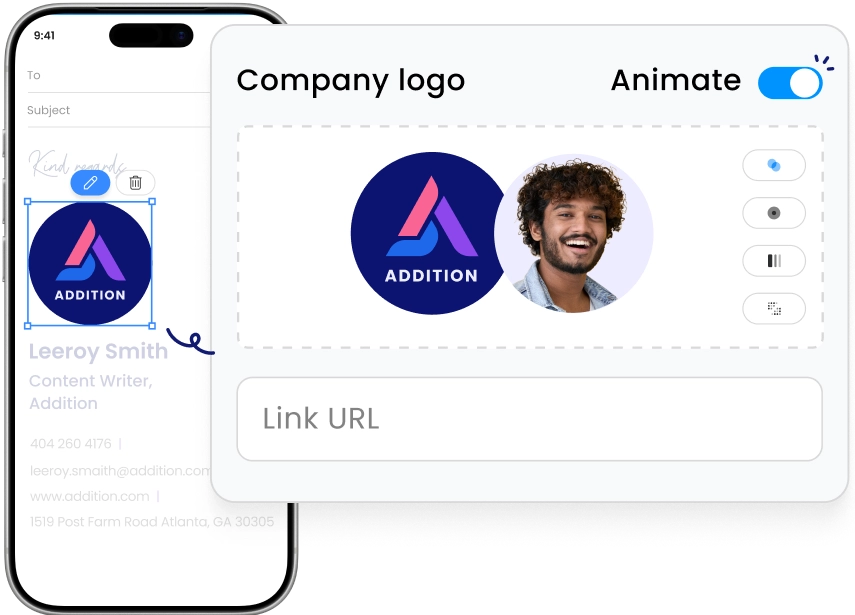
PHOTO & LOGO
Add an image where iPhone says no
The native Settings signature field only accepts plain text. WiseStamp adds your logo, headshot, and a clickable photo instead.
MULTIPLE SIGNATURES
Run a different signature per account
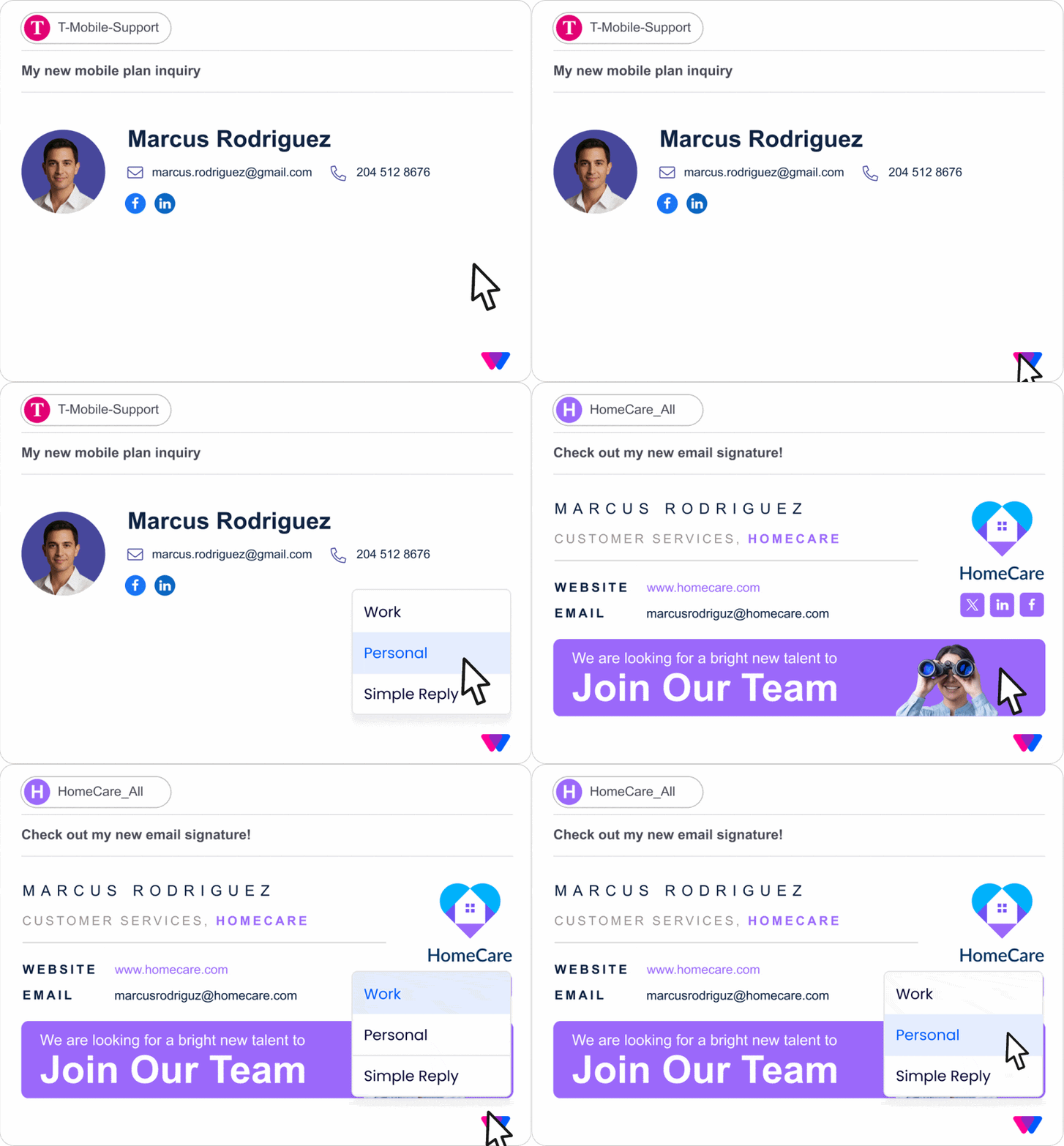
Set a personal signature for one inbox and a work signature for another. Apple Mail keeps them separate automatically.
CLICKABLE LINKS
Make every link in your signature tappable
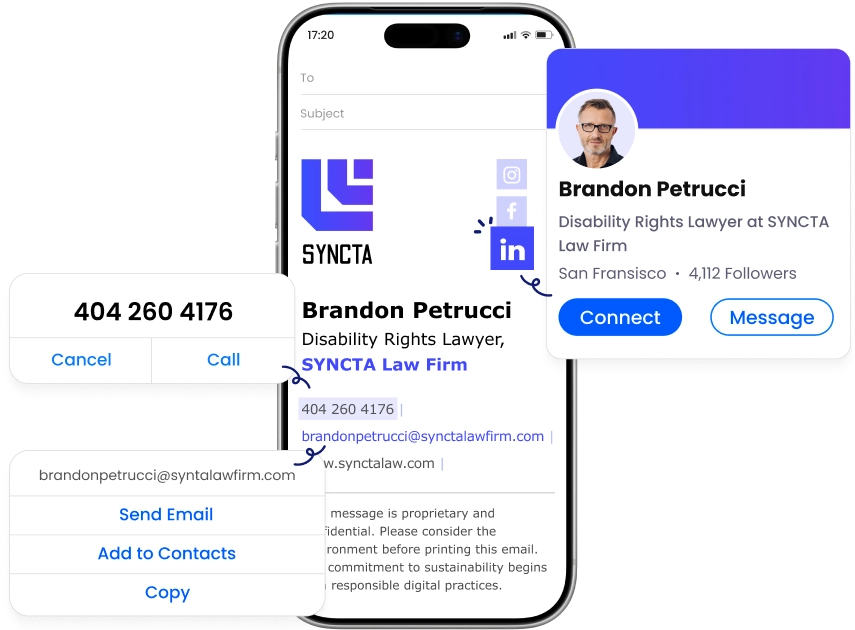
Phone numbers dial, emails open a new message, and social icons jump straight to your real profiles from any iPhone.
Give yourself a professional iPhone signature
Make a professional impression with every email you send. Create your iPhone signature with WiseStamp.