Abandoned Cart Email (How to Win Back Lost Sales)
Learn when to send each abandoned cart email, what to put in it and when a discount helps, plus the checkout fixes that keep shoppers from leaving again.
Short answer
What is an abandoned cart email, and how do I write one that wins back the sale?
An abandoned cart email is an automated message to a shopper who left items in the cart without paying. Send 3 short emails over about 3 days, the first a few hours out, each with the cart and one link back. Sign them from a person and save any discount for the last. Then fix the checkout they return to.
Takeaways
- Send the first email a few hours after the cart is left, then 2 more over about 3 days.
- Give each email one link straight back to the cart.
- Try free shipping before a discount, and keep any offer for a later email.
- Treat the emails as marketing: get consent and include a working unsubscribe link.
- Check the checkout page the link lands on, because a long checkout loses the sale again.
What Lost Carts Cost
What does an abandoned cart cost my store?
An abandoned cart costs you a sale from a shopper you already paid to bring in. Without a recovery email, nobody asks them back.
In Klaviyo’s 2026 benchmarks, abandoned cart flows earn the highest average revenue per recipient of any email flow, ahead of the welcome series at $5.75.
So set this email up before you polish anything else.
Cart Vs Checkout Emails
What is an abandoned cart email, and how is it different from an abandoned checkout email?
An abandoned cart email is an automated message to a shopper who added items to the cart and left without buying; it shows what they left and links straight back. An abandoned checkout email is the narrower kind: it goes only to shoppers who started checkout and typed an email address there.
Carts get left all the time. Baymard Institute’s 2026 average of 50 studies puts abandonment at about 70% of online carts (70.22%).
The studies behind that average range from 55% to 84%, because each one measures a little differently.
You’ve probably heard that every shopper who leaves a cart gets the recovery email. Shopify’s built-in recovery email needs an email address typed at checkout.
Shopify’s help docs note that a shopper who entered a phone number instead never receives it.

Why Shoppers Leave Carts
Why do shoppers leave my cart?
Shoppers leave the cart for 5 main reasons, and each one points to a fix. In Baymard’s 2026 survey of US shoppers, extra costs lead at 40%, then slow delivery, card-trust doubts, forced account creation and a long checkout. The email can answer costs and trust. The checkout page has to fix the rest.
5 reasons US shoppers gave for leaving at checkout, and where each fix lives:
- Extra costs too high (40%): the email, with free shipping.
- Delivery too slow (20%): the store’s shipping options.
- No trust in the site with card details (19%): the email, signed by a person who answers.
- Forced account creation (18%): the checkout page.
- Checkout too long or complicated (17%): the checkout page.
Baymard also found that 42% of US shoppers have left a cart while just browsing. They were never close to buying.
So the first email reminds. It doesn’t push.

Timing the Email Sequence
When should I send each abandoned cart email, and how many should I send?
Send the first abandoned cart email a few hours after the cart is left, and send 3 in all over about 3 days. Klaviyo advises 2 to 4 hours for the first one. Each later email gets its own job: the second answers doubts, and the third closes with a last notice.
Drip puts the first email at about one hour after the shopper leaves.
Drip also warns that a send at 5 or 10 minutes can arrive before the order has finished processing. Faster is not better.
So pick a delay between 1 and 4 hours. Run it on one delay first, and keep it if it works.
3 abandoned cart emails over about 3 days, with the timing and job of each:
| When to send | Its job | |
|---|---|---|
| 1. Reminder | A few hours after the cart is left | Show the cart and one link back |
| 2. Answer the doubt | About 24 hours after the cart is left | Reviews, shipping and returns |
| 3. Last notice | About 72 hours after the cart is left | Close, with an incentive if the cart earns one |
Braze’s example series ends with the third email at 72 hours, carrying an incentive such as free shipping or 10% off.
How long should the series run? It depends on the price.
For high-consideration buys such as furniture or electronics, Drip suggests a slightly later first email and stretching the third to 4 or 5 days.
For impulse buys and lower prices, Drip keeps the whole series inside 72 hours.
Writing the Cart Email
How do I write an abandoned cart email that brings shoppers back?
Write an abandoned cart email that brings shoppers back by showing them exactly what they left and making the way back one click. Name the item in the subject line, put the cart near the top, and give it one button. Write it in your store’s own voice, signed by a person.
5 parts of an abandoned cart email, from top to bottom:
- Subject line: names what the shopper left.
- The cart: product images, names and prices near the top.
- One button: straight back to the cart.
- Reassurance: a short line on shipping, returns or reviews.
- Sender: a named person the shopper can reply to.
One store owner reported on Reddit that their flow’s click rate rose from under 4% to over 6% after a rewrite.
The new subject line named the meal prep bundle the shopper had put together. The email also kept at least 265 characters of real text.
The copy moved into the brand’s own voice, too. One report is not a benchmark.
Run it on one flow and keep it if it works. More ideas are in our list of email subject line examples.
In Shopify’s roundup of examples, the standard button text is “Return to Cart” or “Shop Now”.
Society6 ties its button to the offer: “Get My 30% Off”. Food52 opens with “Your Cart Called”, so the cart itself sends the message.
That is the point: a voice the shopper knows, not a system notice.
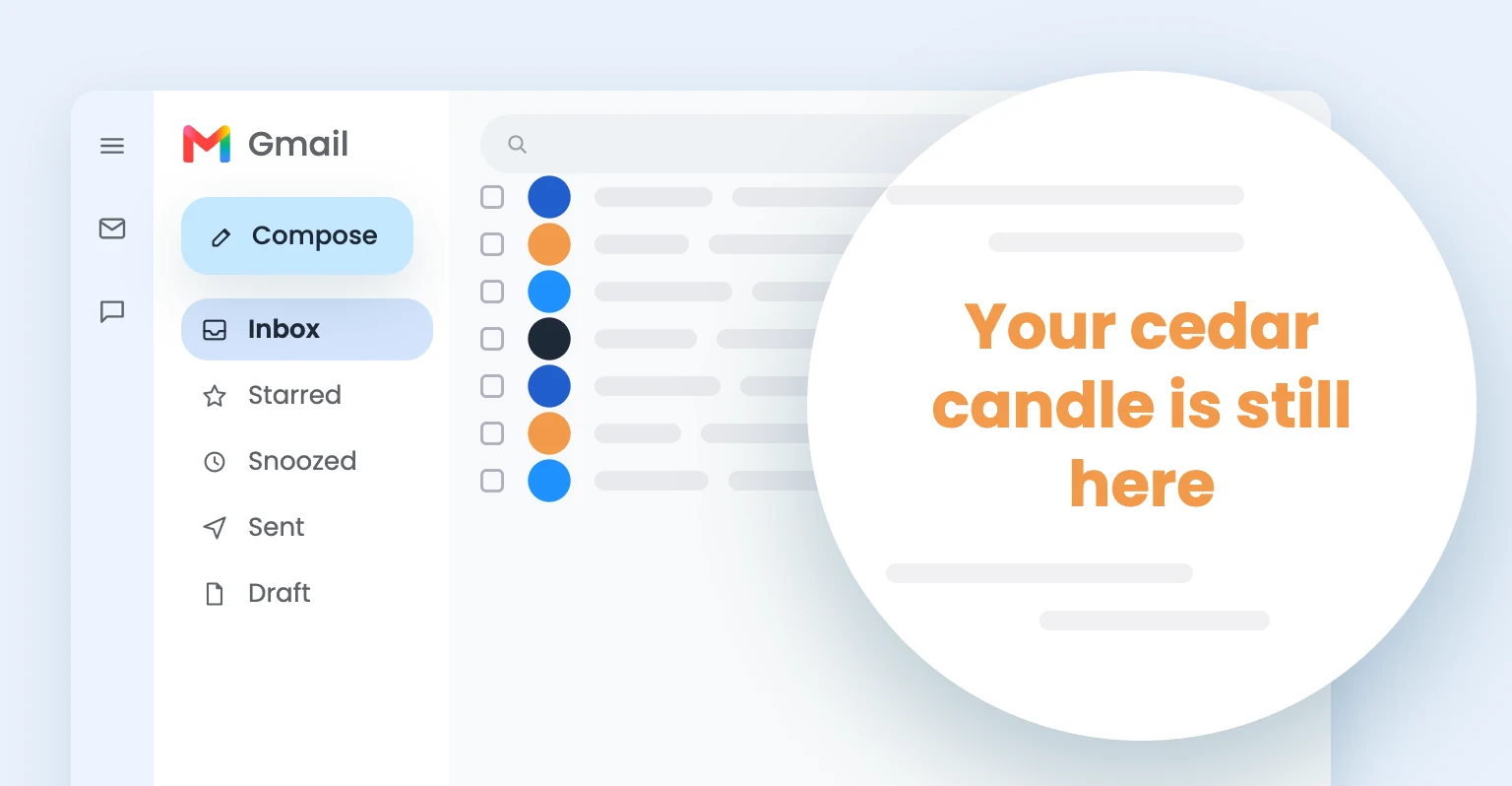
An example abandoned cart email in a small candle shop’s own voice:
- Subject: Your cedar candle is still here
- Opening line: You left the cedar candle in your cart. We saved it for you.
- The cart: the candle’s photo, name and price.
- Button: Return to Cart
- Sign-off: Maya, who packs every order. Reply with any question.
Discounts and Free Shipping
Should my abandoned cart email include a discount?
Your abandoned cart email doesn’t need a discount by default. Hold it for the last email or for high-value carts. Klaviyo advises incentives only on high-value carts, because discounts can train shoppers to wait for one. When cost is the reason they left, try free shipping before a percentage off.
The usual line is that a discount wins the cart back. The catch: extra costs are the top reason shoppers leave, at 40%.
Klaviyo’s best practices suggest free shipping instead of a discount. Put differently: answer the cost, keep the margin.
When the offer goes in, name it in the subject line. Alex Mill used “Get Them For 15% Off!”, with the discount in the body.
Seasonal sales follow their own calendar. Plan those with these Black Friday marketing ideas.
The rule: no offer in email 1, free shipping in email 3 when cost is the reason, and a percentage off only on high-value carts.
Cart Email Benchmarks
What results can I expect from abandoned cart emails?
Expect a few dollars of revenue for each abandoned cart email you send. Across 110,000+ Klaviyo customers in 2026, abandoned cart flows averaged $6.77 revenue per recipient and a 6% click rate, and the top 10% of brands reached $13.70 and 11%. These are Klaviyo customers’ results, not every store’s.
Abandoned cart email benchmarks from Klaviyo’s 2026 data, average vs the top 10% of brands:
| Metric | Average | Top 10% of brands |
|---|---|---|
| Revenue per recipient | $6.77 | $13.70 |
| Click rate | 6% | 11.3% |
Average revenue per recipient runs around $15 in home & garden and hardware & home improvement. Home & garden also leads on average click rate.
Top 10% revenue per recipient for abandoned cart emails by industry, Klaviyo 2026:
| Industry | Top 10% revenue per recipient |
|---|---|
| Hardware & home improvement | $35.24 |
| Home & garden | $28.76 |
| Automotive | $27.48 |
| Electronics | $24.72 |
So compare your flow with your own industry, not the overall average.

Conversion After the Click
How do I raise my conversion rate once shoppers click back?
Raise your conversion rate after the click by fixing the checkout the email sends shoppers back to. The email only gets them to the door. Baymard estimates that better checkout design alone can lift the average large online store’s conversion rate by 35%, worth $260 billion in recoverable US and EU orders.
I see it thrown around a lot that a click ends the job. Except that the click lands on the checkout that lost them.
In Baymard’s 2026 survey, 18% of shoppers left over forced account creation and 17% over a long checkout.
3 checks on the checkout page an abandoned cart email returns shoppers to:
- Guest checkout: shoppers can buy without creating an account.
- Costs up front: shipping and fees show before the last step.
- Express wallets: Apple Pay or Google Pay skip card entry, which Klaviyo notes speeds up checkout.
Shopify’s own guide pairs recovery emails with “checkout improvements, cost transparency, and multiple payment options”. Test each change before you keep it.
If your team can’t run those tests in-house, a Shopify CRO agency can run A/B tests on your cart and checkout pages.
The rule: if the checkout fails any of the 3 checks, fix that before you add a fourth email.

Legal and Spam Rules
Are my abandoned cart emails legal, and how do I keep them out of spam?
Abandoned cart emails are legal when you treat them as marketing email and follow those rules. In the US, the FTC’s CAN-SPAM guide covers any email whose main purpose is commercial. To stay out of spam, give every email an easy unsubscribe and keep complaints low. This is not legal advice.
3 CAN-SPAM rules every abandoned cart email has to meet:
- Accurate From, To, Reply-To and routing information.
- A valid physical postal address.
- A clear way to opt out, honored within 10 business days.
Each email that breaks the law can cost up to $53,088 in penalties.
The postal address and unsubscribe link belong in the footer, with the other footer essentials.
Outside the US, consent comes first. Collect permission at checkout from shoppers in the EU and Canada.
In the EU, the ePrivacy Directive requires consent before marketing email, and Canada’s CASL requires express or implied consent, per Shopify’s summary.
Google’s sender guidelines add rules for anyone sending more than 5,000 messages a day to Gmail. Check them before launch.
Those senders must support one-click unsubscribe, show a visible unsubscribe link and keep the spam rate in Postmaster Tools below 0.3%.
Setting Up the Flow
How do I set up an abandoned cart email flow in my store?
Set up an abandoned cart email flow in 2 stages. First, turn on your store platform’s built-in recovery email, which on Shopify sends one abandoned checkout email. Then, when you want 3 emails, build the sequence as a flow in an email marketing platform; Shopify’s own guide points to integrating Klaviyo.
3 settings in Shopify’s built-in abandoned checkout email, from Shopify’s help docs:
- The delay before it sends.
- Who receives it.
- The email template, which you can edit.
4 cases where Shopify’s built-in email doesn’t send, by design:
- The shopper finished the purchase first.
- A payment error occurred.
- The store can’t ship to the address.
- Every product in the cart is out of stock.
So a missing email isn’t always a broken setup.
Still choosing a store? Compare these e-commerce platforms.
WooCommerce and Magento stores add the flow through their platform’s own extension or one of these email marketing platforms.
Sender and Email Signature
Who should my abandoned cart email come from, and can my email signature carry the offer?
Your abandoned cart email should come from a named person shoppers can reply to, not a no-reply address. Your team’s email signatures can carry the same offer, linked to a permanent page on your store’s own domain, never a checkout link.
A sign-off is a signal of trust. In Baymard’s survey, 19% of shoppers who left didn’t trust the site with their card details.
Golde’s cart email invites shoppers to reply with questions. Picture a shopper with a sizing question who hits reply and reaches a person.
Your automated flow reaches only the shoppers who left a cart. Your team’s everyday emails end in a signature too.
In WiseStamp’s email signature manager, the Banner app adds your offer to one signature in the Email Signature Studio.
Campaigns put the same email signature banner on many employees’ signatures for a set period.
Each banner link accepts UTM tags, so its clicks show up in your store’s analytics.
Point the CTA in your email signature at a permanent store page: the homepage, a collection or the offer page.
Skip public link shorteners. Shortened links and redirects in signatures can trigger spam filters.
An example email signature for a store’s team:
- Name and role: Maya Cohen, Customer Care, Northwood Candles
- Banner: the current offer, linked to the offer page
- Button: Shop the collection
For the full plan, see how to do email signature marketing.
Next Steps
How do I start winning back my abandoned carts?
Start winning back your abandoned carts with the recovery email your store already has, then build from there.
3 steps to start winning back abandoned carts, in order:
- Turn on your store’s built-in recovery email, then build the three-email flow.
- Check your checkout for guest checkout, costs up front and express wallets.
- Add the offer to your team’s email signatures, linked to a permanent store page.