9 Best CodeTwo Alternatives for Email Signatures 2026
Compare the 9 best CodeTwo alternatives for email signature management. Pricing, platforms, deployment mode, and who each tool actually suits.

Short answer
What are the top 3 CodeTwo alternatives?
WiseStamp – best when marketing and IT share ownership. Role-based permissions let marketing run banners without an IT ticket.
It also offers multi-brand support, Entra ID and Google Directory sync, no mail rerouting, and SOC 2 and GDPR compliance.
Exclaimer – best for large Microsoft 365 estates. Widest verified certification set here: SOC 2 Type II, ISO 27001 and 27018, GDPR, HIPAA.
It also has full banner analytics and both deployment modes.
Letsignit – best for Microsoft-native European teams. Outlook-native add-in on Azure infrastructure, ISO 27001 and 27018, EU data handling.
CodeTwo Email Signatures 365 requires Microsoft 365 with Exchange Online. CodeTwo does not support Google Workspace or Gmail.
Workspace estates should start with the best Google Workspace email signature software guide.
Comparison Table
How does CodeTwo compare to its competitors?
This CodeTwo alternatives comparison will help you benchmark against how you run email signature management.
| Tool | Deployment mode | Platforms | Marketer-editable | Directory sync | Banners | RBAC | Click analytics | Certifications | Starting price |
|---|---|---|---|---|---|---|---|---|---|
| CodeTwo | Both (Azure relay or add-in) | M365 / Exchange Online only | Partial (HTML for precise edits) | Partial (Entra ID) | Yes | Yes | Partial | M365 App Certified | $0.73 to $1.36 |
| Exclaimer | Both | M365, Exchange, Google Workspace | Yes | Yes | Yes | Yes | Yes | SOC 2 II, ISO 27001, HIPAA | $0.90 |
| WiseStamp | Both (server-side on Platform+) | M365, Exchange, Google Workspace | Yes | Yes | Yes | Yes | Yes | SOC 2, ISO 27001, GDPR | $19 + $1/employee |
| Letsignit | Client-side | M365, Exchange hybrid, Google via connector | Yes | Yes | Yes | Yes | Yes | ISO 27001, GDPR | $2 |
| Opensense | Both | M365, Google Workspace | Yes | Yes | Yes | Yes | Yes | Not publicly listed | $1 + $350/mo floor |
| Xink | Both (no rerouting via Outlook) | M365, Google Workspace | Yes | Yes | Yes | Yes | Yes | Not publicly listed | Calculator only |
| Signitic | Client-side (cloud only) | M365, Google Workspace | Yes | Yes | Yes | Partial | Yes | ISO 27001, GDPR | Free to €1 |
| Rocketseed | Server-side | M365, Google Workspace, Exchange on-prem | Yes | Partial | Yes | Partial | Yes | ISO 27001, HIPAA | $1,320/yr at 100 |
| Crossware | Server-side (incl. your Azure tenant) | M365, Exchange on-prem, HCL Domino, Google Workspace | Yes | Yes (Graph) | Yes | Yes | Not documented | ISO 27001:2022, GDPR | Quote-based |
| Symprex | Both (on-prem or M365) | Exchange on-prem, hybrid, M365 | Yes | Partial (AD) | Yes | Yes | Yes | Not publicly listed | $1,225 perpetual, 200 users |
* Feature information comes from our vendor feature-coverage assessments (August 2026).
If you are unsure about your preferred deployment model, see our guide on server-side vs client-side signature deployment.
Codetwo Dealbreakers
Why do companies leave CodeTwo?
These are reported user experiences, not CodeTwo’s documented behavior, ordered by how hard each bites inside a Microsoft estate.
Choosing a CodeTwo Alternative
How to choose a CodeTwo alternative?
All the questions below trace to real CodeTwo failure modes.
- Does it cover every platform you run today, and anything you might acquire?
- Does outbound mail leave your tenant, and what happens on an outage or an expired card?
- How are signatures applied to mail encrypted with Office 365 Message Encryption?
- What does an Outlook mobile reply look like, and are embedded images still embedded?
- Does suppressing native Outlook and OWA signatures need per-mailbox PowerShell?
- Do signatures appear in Sent Items and under the latest reply?
- Can a marketer change a banner without touching HTML?
- Which directory is the source of truth: Entra ID, Google Directory, or your HR system?
- What certifications and data-residency terms apply?
- What is the total cost including per-employee add-ons, setup fees, and monthly minimums?
- What support hours apply in your time zone, including during the trial?
See full list of considerations in the IT guide to choosing signature software.
Full Codetwo Alternatives Review
What are the best CodeTwo alternatives?
CodeTwo vs Exclaimer
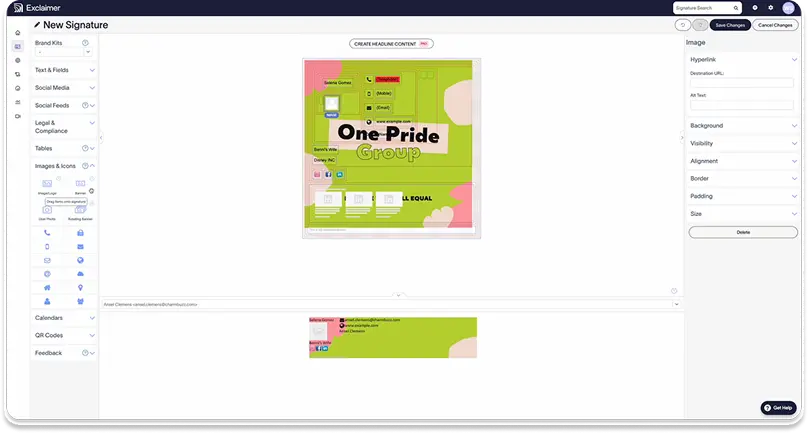
Exclaimer differs from CodeTwo mainly in breadth: platform coverage, campaign tooling, and verified certifications.
Who should switch: Microsoft 365 estates that just added a Google Workspace domain, or buyers needing HIPAA in writing.
Where Exclaimer beats CodeTwo
- Covers Microsoft 365, Exchange including on-premises, and Google Workspace in one pane.
- Banner analytics rated YES at every segment in our assessment, against PARTIAL for CodeTwo.
- SOC 2 Type II, ISO 27001 and 27018, GDPR, and HIPAA.
Where CodeTwo still wins
- Cheaper at scale, reaching $0.73 per user per month at 500 seats against Exclaimer’s flat $0.90 Starter rate.
- Microsoft 365 App Certification, which Exclaimer does not publish.
| CodeTwo | Exclaimer | |
|---|---|---|
| Platforms | M365 / Exchange Online | M365, Exchange, Google Workspace |
| Deployment | Azure relay or add-in | Server-side or client-side |
| Directory sync | Entra ID (partial) | Entra ID and Google Directory |
| Price | $0.73 to $1.36 per user/mo | $0.90 per user/mo annual |
Practitioner opinion on Exclaimer support is split: Some rated Exclaimer Cloud support poorly, others prefer its sync agent to CodeTwo’s.
CodeTwo VS WiseStamp
WiseStamp differs from CodeTwo on who is allowed to touch a signature and how accessible it is.
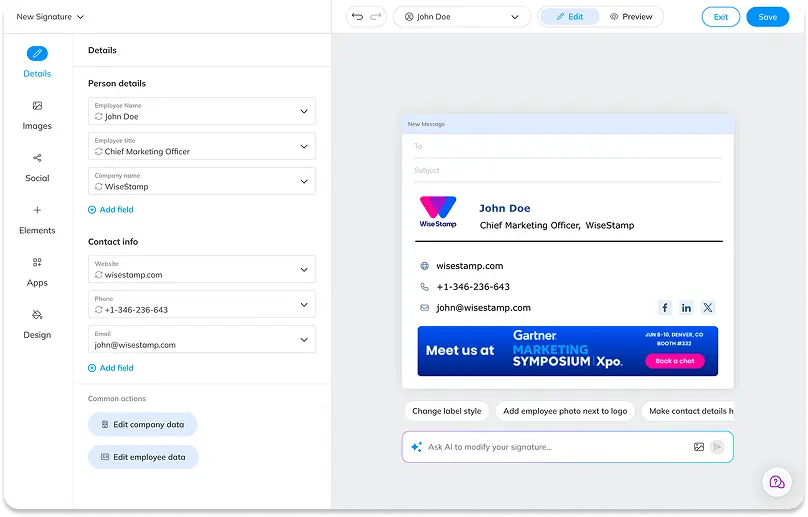
Role-based permissions let a marketer publish a banner campaign without IT and without needing coding skills, which is the exact problem CodeTwo’s HTML-centric editor creates.
Who should switch: 250 to 1,000-employee companies where marketing runs campaigns and IT wants out of the signature queue.
Where WiseStamp beats CodeTwo
- Built for non-technical users: banners, templates, and campaigns are managed through a visual drag-and-drop editor, no HTML editing required at any point, against Partial for CodeTwo, which needs raw HTML for precise changes.
- Role-based permissions let marketing publish and update signatures directly, closing the loop that otherwise sends every banner change back to IT.
- A guided setup flow and template library get a new admin to a working, on-brand signature in minutes, rated Strong for ease of use in our assessment against CodeTwo’s Moderate.
Where CodeTwo still wins
- One flat plan includes every feature, with no base fee plus per-employee structure to model.
- Server-side enforcement at any seat count, not gated to a higher tier.
Pricing: $19, $49, or $189 per month plus $1 per employee annually, Pro+ at $9 for micro-teams, 14-day trial, no credit card (pricing).
For the feature-by-feature view, see the full WiseStamp and CodeTwo breakdown.
CodeTwo vs Letsignit
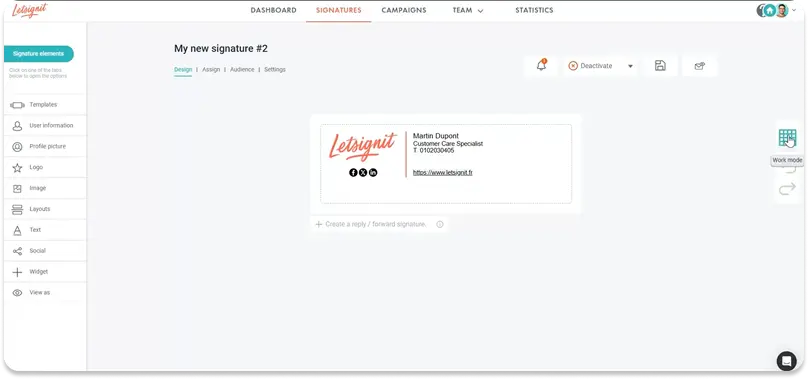
Letsignit differs from CodeTwo in architecture: it is client-side by design, so outbound mail never leaves your tenant for signature insertion.
Who should switch: European Microsoft-native teams where a security review flagged the transport connector.
Where Letsignit beats CodeTwo
- No server-side relay in the mail path. Deployment is an Outlook add-in or desktop app on Azure.
- Banner analytics and campaign scheduling both rated YES, against PARTIAL for CodeTwo on analytics.
- ISO 27001 and 27018 with EU data handling.
Where CodeTwo still wins
- A real server-side injection mode. Our assessment found none documented for Letsignit in Microsoft environments, so enforcement against a determined user is weaker.
- Signatures in Sent Items and insertion under the latest reply, both native to CodeTwo’s cloud mode.
| CodeTwo | Letsignit | |
|---|---|---|
| Platforms | M365 / Exchange Online | M365, Exchange hybrid, Google via connector |
| Deployment | Azure relay or add-in | Client-side only |
| Server-side enforcement | Yes | Not documented |
| Price | $0.73 to $1.36 per user/mo | $2 per user/mo annual |
CodeTwo vs Opensense
Opensense differs from CodeTwo in what it is for.
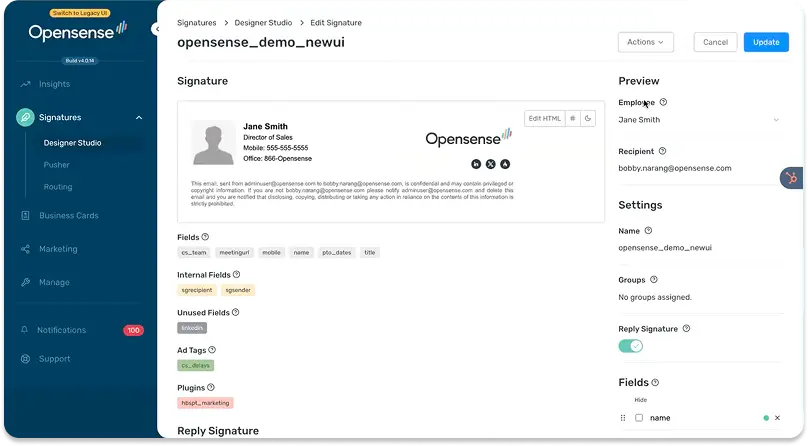
Opensense sells revenue attribution, with CRM and ABM integration and click analytics as the product, and signature management as the delivery mechanism.
Who should switch: demand-gen teams at 500+ seats that already report on email as a channel.
Where Opensense beats CodeTwo
- Banner analytics and coordinated workforce-wide campaigns both YES at enterprise level, against PARTIAL for CodeTwo.
- Rotating banners as a managed marketing channel, YES against PARTIAL for CodeTwo.
- Covers Google Workspace alongside Microsoft 365.
Where CodeTwo still wins
- No monthly floor. Opensense publishes a $350 per month minimum plus a service plan on top of its $1 per user rate, so small deployments pay disproportionately.
- Day-one provisioning and automated offboarding, both PARTIAL for Opensense in our assessment.
| CodeTwo | Opensense | |
|---|---|---|
| Platforms | M365 / Exchange Online | M365, Google Workspace |
| Deployment | Azure relay or add-in | Server-side or client-side |
| Campaign attribution | No | Yes |
| Price | $0.73 to $1.36 per user/mo | $1 per user/mo, $350/mo floor |
This is the tool people mean in “Opensense vs Exclaimer vs CodeTwo vs Sigstr.” See the full WiseStamp and Opensense breakdown.
CodeTwo vs Xink
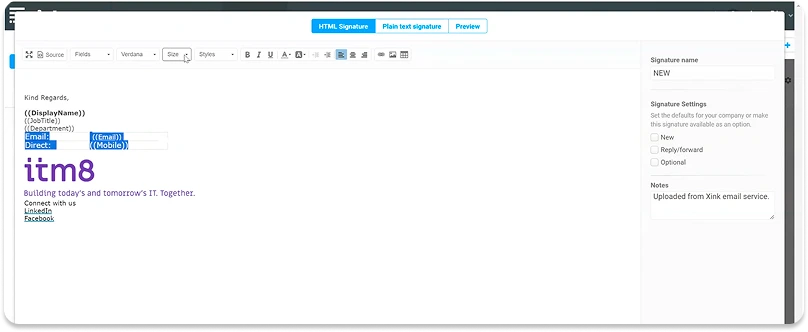
Xink differs from CodeTwo on cost transparency and analytics, and markets itself directly as a CodeTwo, Exclaimer, and WiseStamp alternative.
Who should switch: cost-sensitive teams at 200 to 500 seats wanting click data without an attribution platform.
Where Xink beats CodeTwo
- Built-in signature analytics plus Google Analytics integration, against PARTIAL for CodeTwo.
- No mail rerouting when the signature is added in Outlook, per its own comparison pages.
- Entra ID sync and RBAC across Outlook on Windows, Mac, web, and mobile.
Where CodeTwo still wins
- Published pricing. Xink’s list price is calculator-only and renders client-side, so there is no static figure to quote in an approval request.
- Signature enforcement at scale, PARTIAL for Xink against YES for CodeTwo.
| CodeTwo | Xink | |
|---|---|---|
| Platforms | M365 / Exchange Online | M365, Google Workspace |
| Deployment | Azure relay or add-in | Both, no rerouting via Outlook |
| Analytics | Partial | Yes, plus Google Analytics |
| Price | $0.73 to $1.36 per user/mo | Calculator only, 14-day trial |
CodeTwo vs Signitic
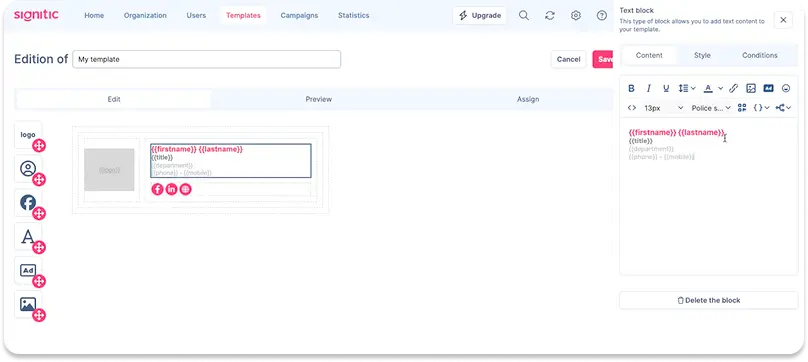
Signitic differs from CodeTwo on entry cost: a genuinely free tier up to 19 employees, then €1 per user per month from 20 licenses.
Who should switch: teams under 100 seats where campaign features matter and procurement is price-led.
Where Signitic beats CodeTwo
- A free tier up to 19 employees with 1 template and 1 campaign, then €1 per user from 20 licenses.
- Banner analytics and A/B testing on the paid tier, against PARTIAL for CodeTwo.
- Covers Google Workspace as well as Microsoft 365.
Where CodeTwo still wins
- Signitic is cloud-only, with no on-premises Exchange support claimed on its site. CodeTwo processes anything routed through Microsoft 365 in a hybrid setup.
- Delegated RBAC is PARTIAL for Signitic against YES for CodeTwo, so splitting ownership is harder.
| CodeTwo | Signitic | |
|---|---|---|
| Platforms | M365 / Exchange Online | M365, Google Workspace (cloud only) |
| Deployment | Azure relay or add-in | Client-side |
| RBAC | Yes | Partial |
| Price | $0.73 to $1.36 per user/mo | Free to €1 per user/mo |
CodeTwo vs Rocketseed
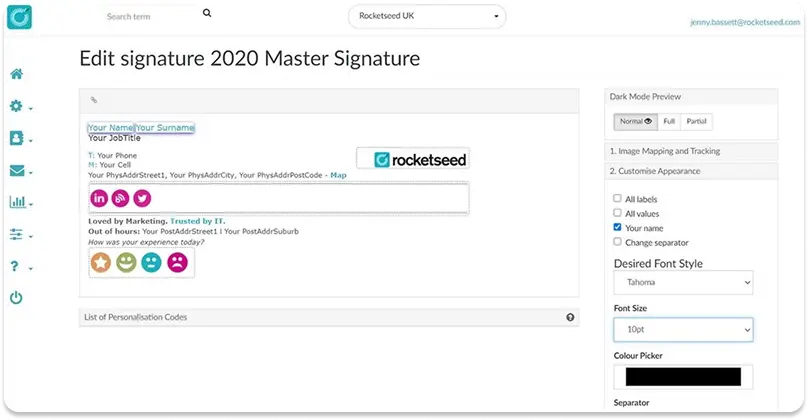
Rocketseed differs from CodeTwo in what the product optimizes for: email branding and measurement rather than signature administration.
Who should switch: brand-led organizations wanting reporting on every outbound email that will fund an implementation.
Where Rocketseed beats CodeTwo
- Tracking pixel and image-load behavior reporting rated YES, against PARTIAL for CodeTwo.
- Conflict handling with pre-existing manual signatures YES against PARTIAL, which is the duplicate-signature problem above.
- Post-rebrand enforcement across thousands of inboxes YES, plus ISO 27001 and HIPAA.
Where CodeTwo still wins
- No setup fee. Rocketseed publishes a mandatory one-time fee covering implementation, design, activation, and training.
- Cheaper as you scale. Rocketseed lists $1,320 per year at 100 employees, and CodeTwo keeps discounting past that down to $0.73.
| CodeTwo | Rocketseed | |
|---|---|---|
| Platforms | M365 / Exchange Online | M365, Google Workspace, Exchange on-prem |
| Deployment | Azure relay or add-in | Server-side |
| Setup fee | None | Yes, one-time |
| Price | $0.73 to $1.36 per user/mo | $1,320/yr at 100 employees |
CodeTwo vs Crossware
Crossware differs from CodeTwo on platform breadth.
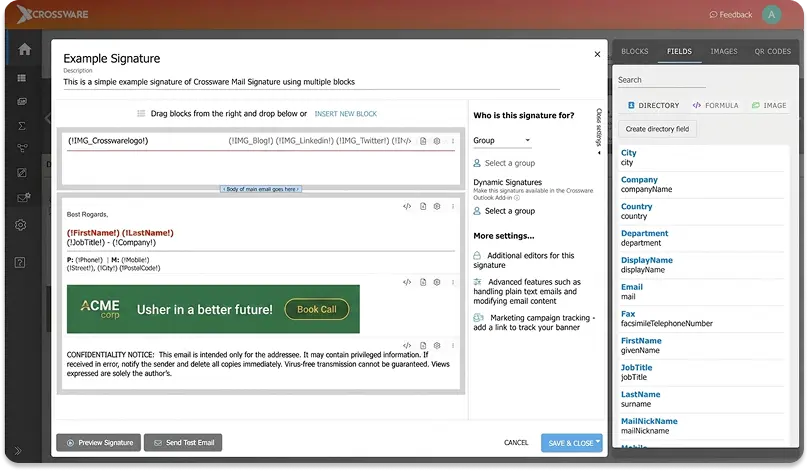
It is the only tool here covering HCL Domino alongside Microsoft 365, on-premises Exchange, and Google Workspace. It can also run inside your own Azure tenant.
Who should switch: organizations running Domino or on-premises Exchange alongside Microsoft 365.
Where Crossware beats CodeTwo
- Covers Microsoft 365, Exchange Server including Subscription Edition, HCL Domino, and Google Workspace.
- Deploys into your own Azure infrastructure as a closed loop with Microsoft 365, answering the third-party-relay objection without giving up server-side insertion.
- Block-level display rules conditioned on department, job title, location, internal vs external, and date ranges.
Where CodeTwo still wins
- Published pricing. Crossware is quote-only, so you cannot compare before talking to sales.
- A deeper verified review base: 553 Capterra reviews at 4.9 against Crossware’s self-reported 434 at 4.5.
| CodeTwo | Crossware | |
|---|---|---|
| Platforms | M365 / Exchange Online | M365, Exchange on-prem, HCL Domino, Google Workspace |
| Deployment | Azure relay or add-in | Server-side, vendor cloud or your Azure tenant |
| Certifications | M365 App Certified | ISO 27001:2022, GDPR |
| Price | $0.73 to $1.36 per user/mo | Quote-based, 30-day trial |
Crossware is the one vendor here assessed from its own live documentation rather than a structured internal review.
CodeTwo vs Symprex
Symprex Email Signature Manager differs from CodeTwo in its commercial model.
It is a one-off perpetual license installed against your own Exchange or Microsoft 365 estate, not a per-seat subscription.
Who should switch: on-premises or hybrid Exchange estates with capex budgets and no appetite for a cloud relay.
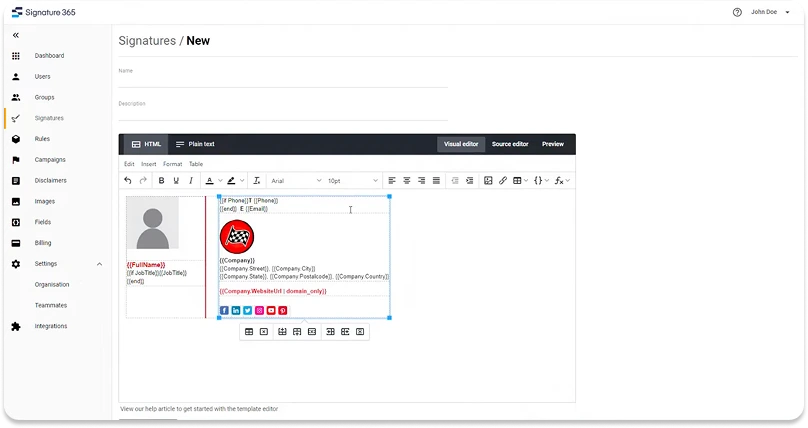
Where Symprex beats CodeTwo
- Perpetual licensing. $1,225 one-off for 200 users, valid for that version and all point updates.
- Built for on-premises and hybrid Exchange, where CodeTwo Email Signatures 365 needs a separate product.
- RBAC with delegated editing and banner analytics both rated YES, matching or beating CodeTwo.
Where CodeTwo still wins
- A subscription that keeps updating. Symprex licenses are version-locked, so a major upgrade is a new purchase, and change propagation at enterprise scale is PARTIAL against YES.
- SAML SSO, rated NO for Symprex in our assessment.
| CodeTwo | Symprex | |
|---|---|---|
| Platforms | M365 / Exchange Online | Exchange on-prem, hybrid, M365 |
| Licensing | Per-seat subscription | One-off perpetual |
| SAML SSO | Yes | No |
| Price | $0.73 to $1.36 per user/mo | $1,225 for 200 users |
Free and native alternatives to CodeTwo
Microsoft 365 applies organization-wide signatures and disclaimers natively through mail flow rules, at no cost.
The open-source Set-OutlookSignatures project is the other free route, deploying signatures as local Outlook files via a scheduled script.
Microsoft documents 3 hard limits on the native approach, all on its own support page:
- “You can’t insert the signature directly under the latest email reply or forward.”
- “Users can’t see server-side email signatures in their Sent Items folders.”
- “You can’t embed images in email signatures.”
Those 3 limits are what a paid tool is for. Set-OutlookSignatures avoids them but needs someone maintaining PowerShell, trading license cost for engineering time.
Migrating From Codetwo
How do I switch from CodeTwo to another provider?
- Export or screenshot every template and rule, including conditions and exceptions, before you touch anything.
- Inventory who gets which signature and why. Rules accumulate, and half usually turn out obsolete.
- Confirm the new vendor’s deployment mode and whether any MX, SPF, or DKIM change is needed.
- Pilot one department, ideally one that sends externally all day.
- Verify rendering on Outlook desktop, web, mobile, and Gmail, including a reply from a phone.
- Check Sent Items behavior and reply placement. These differ by deployment mode and users notice them first.
- Decommission CodeTwo’s transport rules or add-in before the license lapses, not after.
- Keep both running for one overlap billing cycle. A parallel month costs less than a rollback.